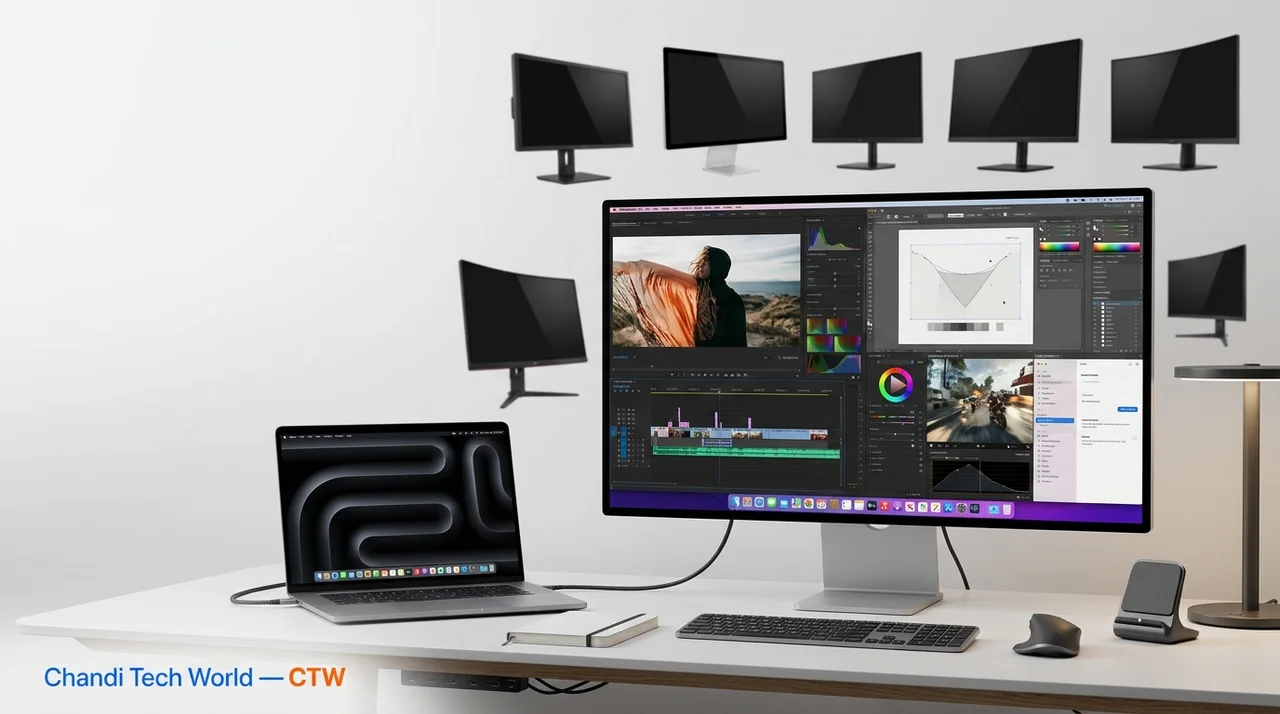
As remote work becomes more commonplace, the importance of having a high-quality monitor to complement your Mac cannot be overstated. While Macs are renowned for their exceptional performance and sleek design, pairing them with the right display can significantly enhance your productivity and overall work experience. In this article, we will explore the six best monitors that work seamlessly with Macs, ensuring you get the most out of your setup.
1. Apple Pro Display XDR
When it comes to monitors that pair perfectly with Macs, the Apple Pro Display XDR stands out as a premier choice. This 32-inch Retina 6K display offers stunning color accuracy and a remarkable brightness of up to 1600 nits. Designed specifically for creative professionals, it supports a wide color gamut and HDR content, making it ideal for video editing, graphic design, and photography. The Pro Display XDR's advanced technology includes a 10-bit color depth and a contrast ratio of 1,000,000:1, which is essential for professionals who rely on precise color representation.
Although it comes with a premium price tag, the quality of this display justifies the investment for those who demand the best. The monitor's sleek design and compatibility with Apple's ecosystem further enhance its appeal, making it a favorite among creatives and professionals alike.
2. LG UltraFine 5K Display
The LG UltraFine 5K Display is another excellent option for Mac users, particularly those who require high resolution and vibrant colors. With a resolution of 5120 x 2880, this 27-inch monitor delivers incredibly sharp images and supports P3 wide color. It also features Thunderbolt 3 connectivity, allowing for easy integration with Mac devices. This monitor is particularly beneficial for tasks that require precise detail, such as photo editing and graphic design.
Additionally, the built-in camera and speakers make it a convenient all-in-one solution for video calls and multimedia consumption. The LG UltraFine 5K's ability to deliver up to 85W of power to connected devices means you can charge your MacBook while using the display, reducing cable clutter and enhancing your workspace efficiency.
3. Dell UltraSharp U2720Q
The Dell UltraSharp U2720Q is a versatile 27-inch 4K monitor that offers a fantastic balance between performance and price. It features USB-C connectivity, making it compatible with Macs while also providing power delivery. This capability is especially useful for users who want to maintain a clean and efficient workspace without multiple power adapters.
The monitor boasts excellent color accuracy and a wide viewing angle, ensuring that images look great from any position. Its ergonomic stand allows for easy height and tilt adjustments, making it a comfortable choice for long working hours. Furthermore, the Dell UltraSharp U2720Q includes features like Picture-in-Picture and Picture-by-Picture, which can enhance multitasking capabilities by allowing users to view content from multiple sources simultaneously.
4. BenQ PD3220U
For designers and creative professionals, the BenQ PD3220U is an outstanding choice. This 32-inch 4K monitor is designed with color-critical work in mind, featuring 95% DCI-P3 color coverage and HDR10 support. These specifications make it an excellent tool for professionals who need to ensure color fidelity in their work.
The monitor also includes a variety of connectivity options, including Thunderbolt 3, which can daisy-chain multiple displays. This feature is particularly advantageous for users who require an expansive workspace with multiple screens. Its ergonomic design and built-in KVM switch allow users to control multiple devices seamlessly, enhancing productivity and streamlining workflow.
5. ASUS ProArt PA32UCX
The ASUS ProArt PA32UCX is a high-end 32-inch monitor tailored for professionals who require precision in color grading and editing. With a 4K resolution and mini-LED backlighting, it provides stunning HDR performance and exceptional brightness levels. The monitor supports various color spaces, including Adobe RGB and Rec. 2020, making it perfect for photographers and videographers who need accurate color representation.
Its robust connectivity options include Thunderbolt 3, ensuring compatibility with Mac systems. The ASUS ProArt PA32UCX is not just about performance; it also features an ergonomic design that allows for easy adjustments, ensuring that users can maintain comfort during long editing sessions.
6. Samsung Odyssey G7
If gaming is also a priority alongside work, the Samsung Odyssey G7 is a fantastic choice. This 27-inch curved monitor features a QHD resolution and a 240Hz refresh rate, making it ideal for fast-paced gaming. The immersive curvature of the screen enhances the gaming experience, providing a wider field of view and reducing eye strain during extended use.
While it excels in gaming, it also delivers impressive color accuracy and contrast, making it suitable for creative tasks. The G7’s sleek design and customizable RGB lighting add a modern touch to any setup. Its versatility makes it a great addition for those who want a dual-purpose monitor that caters to both work and play.
Conclusion
Choosing the right monitor can significantly impact your productivity and overall experience when using a Mac. Each of the monitors listed above offers unique features tailored to different needs, from creative professionals to gamers. Investing in a quality display not only enhances your work-from-home setup but also ensures that you can fully utilize the capabilities of your Mac. Consider your specific requirements and preferences to select the monitor that best fits your workflow. With the right monitor, you can transform your workspace into a hub of creativity and efficiency, making every task more enjoyable and productive.
Key Highlights
- The right monitor can enhance productivity for Mac users.
- Apple Pro Display XDR offers top-tier quality for creatives.
- LG UltraFine 5K provides exceptional resolution and color accuracy.
- Dell UltraSharp U2720Q balances performance and affordability.
- BenQ PD3220U is ideal for color-critical design work.
- ASUS ProArt PA32UCX is perfect for precision in color grading.
- Samsung Odyssey G7 is a great option for both work and gaming.
Expert Analysis
Technical Analysis
The article discusses various monitors that enhance the Mac experience, focusing on their specifications and compatibility with Apple devices. Key technologies involved include high-resolution displays, color accuracy features, and connectivity options such as Thunderbolt 3 and USB-C. These monitors solve the problem of inadequate display quality for tasks that require precision, such as graphic design, video editing, and gaming. Each monitor offers unique features tailored to specific user needs, such as HDR support for creatives or high refresh rates for gamers.
The technical improvements highlighted in the article include advancements in color representation, with monitors like the Apple Pro Display XDR and ASUS ProArt PA32UCX supporting wide color gamuts and HDR content. Limitations may include the premium pricing of high-end models like the Pro Display XDR, which may not be accessible to all users. Additionally, while some monitors provide power delivery to connected devices, others may not, which could affect workspace efficiency depending on the user's setup.
Advantages
- High resolution and color accuracy enhance productivity for creative professionals.
- Thunderbolt 3 connectivity allows seamless integration with Mac devices.
- Built-in features like cameras and speakers in some monitors reduce clutter.
- Ergonomic designs promote comfort during long working hours.
- Versatile options cater to both work and gaming needs.
Disadvantages
- Premium pricing may limit access for budget-conscious users.
- Not all monitors offer power delivery, which could complicate setups.
Real-World Use Cases
- Graphic designers can use the Apple Pro Display XDR for precise color representation.
- Photographers can benefit from the BenQ PD3220U's color fidelity for editing.
- Gamers can enjoy the high refresh rate and immersive experience of the Samsung Odyssey G7.
- Remote workers can enhance their productivity with the LG UltraFine 5K Display's all-in-one features.
- Businesses can utilize the Dell UltraSharp U2720Q for efficient multitasking with its Picture-in-Picture capabilities.
Business Impact
The market for high-quality monitors compatible with Macs is likely to grow as remote work continues to be prevalent. This presents revenue opportunities for manufacturers who can innovate and offer competitive pricing. Competitors in the monitor space may need to enhance their offerings to capture the attention of Mac users, especially in the creative and gaming sectors, which are increasingly demanding high-performance displays.
User Impact
Ordinary users, particularly those working from home or engaged in creative tasks, stand to benefit significantly from investing in a quality monitor. The right display can improve workflow efficiency and overall satisfaction with their Mac experience. However, users with budget constraints may find it challenging to justify the investment in premium monitors, which could limit their options.
Security & Privacy
Security and privacy analysis not applicable.
Future Outlook
In the near term, we can expect further advancements in display technology, including improvements in resolution, color accuracy, and connectivity options. As competition increases, manufacturers may also focus on reducing prices while maintaining quality, making high-end monitors more accessible to a broader audience. Additionally, the integration of smart features in monitors could enhance user experience and productivity.
Expert Summary
This article highlights the importance of selecting the right monitor to enhance the Mac experience, particularly for remote work and creative tasks. Users seeking to improve their productivity and overall satisfaction should pay attention to the specifications and features of these monitors. Overall, investing in a quality display is a worthwhile consideration for anyone looking to maximize their Mac's capabilities.
Originally reported by Gear Latest.