In today’s fast-paced digital environment, staying organized and on top of tasks can be a challenge. Windows 11 offers users the ability to customize notifications, enabling them to create reminders for important events and tasks. This feature not only enhances productivity but also ensures that critical alerts do not go unnoticed. In this tutorial, we will explore how to set up and manage custom notifications in Windows 11.
Understanding Windows 11 Notifications
Notifications in Windows 11 serve as alerts that inform users about various activities, updates, or reminders. They play a crucial role in keeping users informed about system updates, app activities, and personal reminders. By customizing these notifications, users can tailor their desktop experience to suit their specific needs. Whether it's a reminder for a meeting, a deadline for a project, or a simple nudge to take a break, these notifications can be programmed to appear at desired intervals. Understanding how notifications work in Windows 11 is essential for maximizing their effectiveness.
Setting Up Custom Notifications
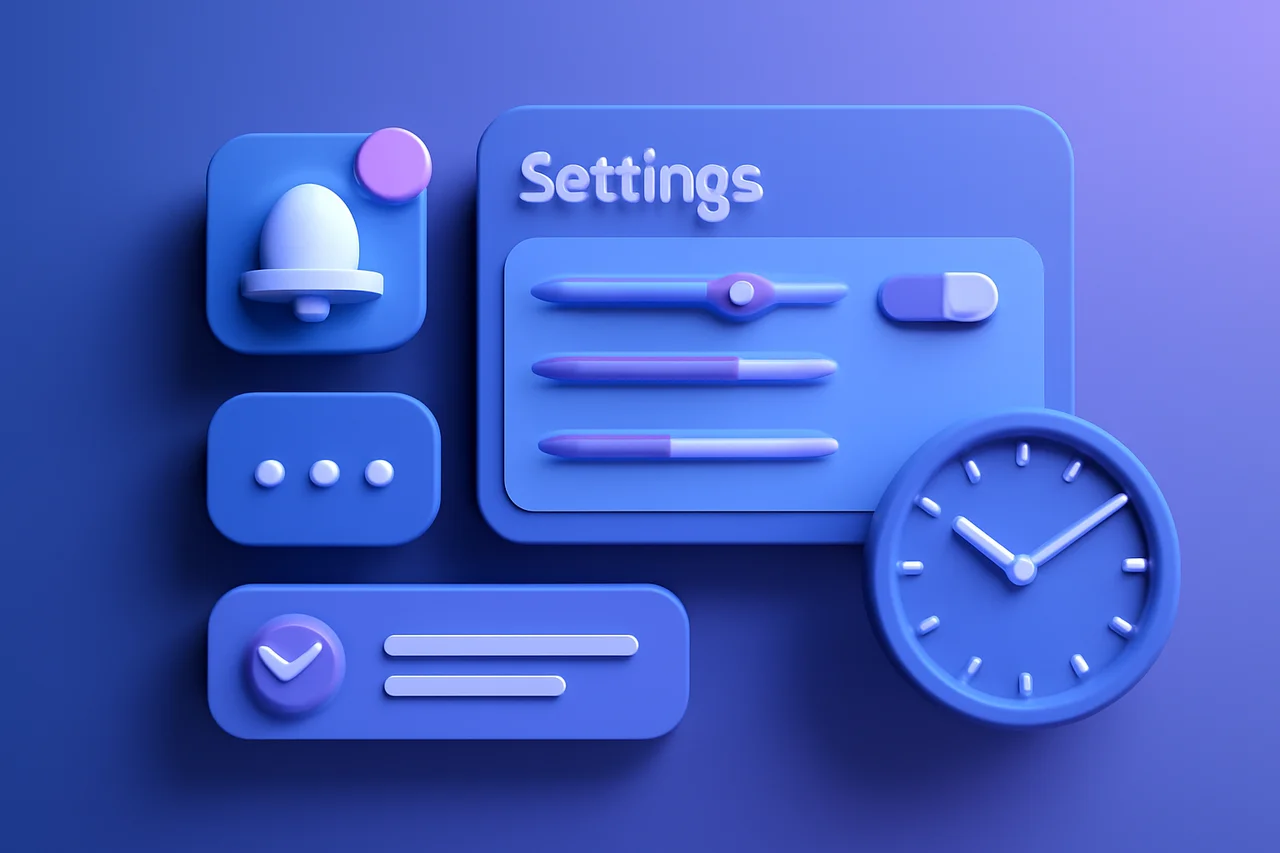
To create custom notifications in Windows 11, users can follow a series of straightforward steps. First, navigate to the Settings app by clicking on the Start menu and selecting the gear icon. Once in the Settings, go to the "System" section and click on "Notifications & actions." Here, users can manage their notification preferences and create new alerts. This area allows users to toggle notifications on or off for specific applications, ensuring that only the most relevant alerts come through. The intuitive interface makes it easy to adjust settings according to personal preferences.
Creating Recurring Reminders
Recurring reminders are particularly useful for tasks that need to be completed on a regular basis. To set up a recurring reminder, users can utilize the built-in Calendar app. Simply open the Calendar, select a date, and create a new event. In the event settings, choose the option for recurrence, which allows users to set the frequency of the reminder—be it daily, weekly, or monthly. This feature is especially beneficial for managing tasks such as bill payments, weekly meetings, or regular exercise schedules. By automating these reminders, users can reduce the cognitive load of remembering every task.
Customizing Notification Settings
Windows 11 provides various options for customizing how notifications appear. Users can adjust the priority of notifications, choose whether they want sound alerts, and even select specific apps that can send notifications. This level of customization ensures that users receive alerts that are most important to them without being overwhelmed by unnecessary notifications. For instance, users can prioritize work-related notifications over social media alerts, allowing them to focus on what truly matters during their work hours. Additionally, users can decide how long notifications stay visible on their screen, further enhancing their control over the notification experience.
Utilizing Third-Party Applications
For users looking for more advanced notification features, several third-party applications are available. These applications can provide additional functionalities, such as more complex reminders, integration with other productivity tools, and enhanced alert options. Examples include Todoist, Microsoft To Do, and Trello, which can sync tasks and reminders across devices. These tools often come with features like collaborative task management, which is ideal for teams working on shared projects. By integrating these applications with Windows 11, users can create a more cohesive productivity system that aligns with their workflow.
Benefits of Custom Notifications
Implementing custom notifications can significantly enhance productivity. By setting reminders for important tasks, users can better manage their time and ensure that nothing falls through the cracks. Additionally, personalized notifications can help reduce stress by providing timely reminders without the need for constant manual checks. The ability to customize notifications means that users can create a tailored experience that fits their lifestyle, whether they are students, professionals, or anyone in between. Furthermore, by minimizing distractions from less important notifications, users can maintain focus on their current tasks, leading to improved efficiency.
Conclusion
Custom notifications in Windows 11 offer a powerful way to enhance productivity and organization. By following the steps outlined in this tutorial, users can create recurring reminders and tailor their notification settings to their preferences. Embracing these features can lead to a more efficient workflow and a better overall user experience in Windows 11. As technology continues to evolve, leveraging these tools effectively will be crucial for navigating the demands of modern life.
Key Highlights
- Windows 11 allows for customizable notifications to enhance productivity.
- Users can set recurring reminders through the built-in Calendar app.
- Notification settings can be adjusted for priority, sound, and specific apps.
- Third-party applications can provide advanced notification features.
- Custom notifications help users manage tasks and reduce stress effectively.
Expert Analysis
Technical Analysis
Windows 11 notifications are designed to keep users informed about various activities, updates, and reminders, playing a crucial role in task management and productivity. The customization feature allows users to tailor notifications to their specific needs, enabling them to set reminders for meetings, deadlines, or personal tasks. This system operates through an intuitive interface in the Settings app, where users can manage preferences for notifications from different applications, ensuring that only relevant alerts are received.
The ability to create recurring reminders through the built-in Calendar app adds another layer of functionality, automating the reminder process for tasks that need regular attention. This not only reduces cognitive load but also enhances time management. While Windows 11 provides a robust notification system, its integration with third-party applications like Todoist and Trello can further enhance its capabilities, offering more complex reminder functionalities and collaborative task management options. However, users must navigate the balance between customization and potential notification overload, as excessive alerts can lead to distraction rather than productivity.
Advantages
- Enhances productivity by allowing users to set reminders for important tasks.
- Reduces cognitive load by automating recurring reminders.
- Provides a tailored notification experience based on user preferences.
- Minimizes distractions from less important notifications, allowing for better focus.
Disadvantages
- No major disadvantages reported yet.
Real-World Use Cases
- A professional can set reminders for project deadlines to ensure timely completion.
- Students can create recurring reminders for study sessions or assignment due dates.
- Teams can integrate third-party applications to manage collaborative tasks and deadlines more effectively.
- Individuals can automate reminders for regular activities like bill payments or exercise schedules.
Business Impact
The introduction of customizable notifications in Windows 11 could lead to increased user satisfaction and productivity, potentially influencing the market dynamics as users seek operating systems that enhance their workflow. Competitors may need to innovate their notification systems to keep pace with these advancements, creating new revenue opportunities in the productivity software sector as businesses adopt more efficient tools for task management.
User Impact
Ordinary users stand to benefit significantly from the enhanced notification features in Windows 11, as they can tailor alerts to their specific needs, ultimately leading to better time management and reduced stress. However, users who prefer a more minimalist approach to notifications may find the customization options overwhelming. Overall, the adoption of these features is likely to be worthwhile for most users looking to improve their productivity.
Security & Privacy
Security and privacy analysis not applicable.
Future Outlook
In the near term, we can expect further enhancements to the notification system in Windows 11, potentially including more integration with AI-driven task management tools. As user expectations evolve, Microsoft may also introduce more sophisticated customization options that allow for even greater control over notifications, aligning with the growing trend of personalized user experiences in technology.
Expert Summary
The ability to customize notifications in Windows 11 represents a significant advancement in user productivity tools. This feature is particularly relevant for professionals, students, and anyone managing multiple tasks. As users increasingly seek ways to streamline their workflows, the importance of effective notification management cannot be overstated. Overall, this development is a positive step for Windows 11 users looking to enhance their organizational capabilities.
Originally reported by Gear Latest.