Google Messages Finally Gets Custom Chat Themes and Wallpapers
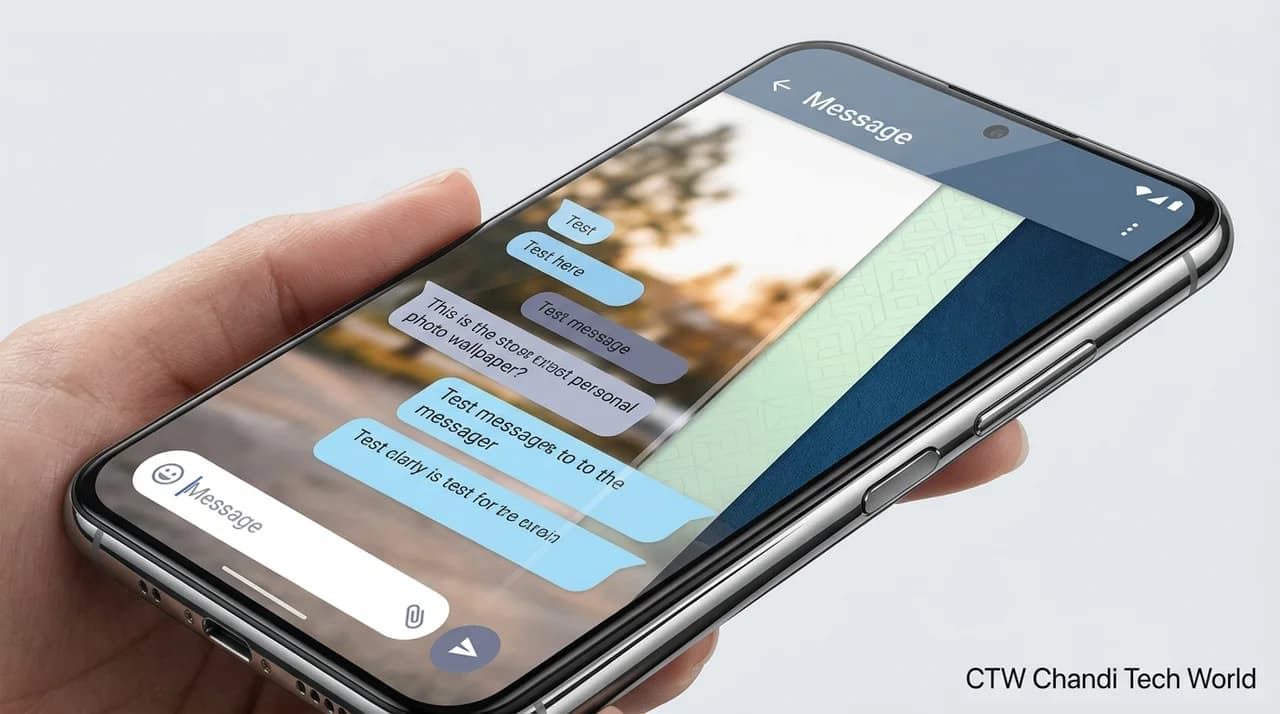
Google Messages is getting a long-awaited personalization upgrade. The messaging app now lets users customize individual conversations with different colors and background wallpapers, giving Android users more control over how their chats look.
Announced in August 2026, the feature adds options to choose from Google's preset backgrounds, select a personal photo, and adjust message bubble colors. Google confirmed the update in its Messages Community, marking a significant change for an app that has offered relatively limited conversation customization. Google's announcement
What Can You Change With Google Messages Chat Themes?
The new Chat theme feature lets users personalize conversations individually instead of applying one appearance to every chat.
Available options include:
Custom colors: Choose from a palette of colors for message bubbles and other interface elements.
Preset wallpapers: Browse background images in categories such as Animals, Landscapes, and Space.
Personal photos: Use an image saved on your phone as a conversation background.
Automatic color matching: Let Messages adjust bubble colors to complement a selected background, or choose another available color.
Reset option: Return a conversation to its default appearance whenever you want.
These options make it easier to distinguish conversations visually. For example, you could choose a landscape background for a travel group and a simpler color scheme for a work conversation.
The customization is primarily visual. It does not replace the app's messaging features or change how messages are delivered.
How to Change Your Google Messages Chat Theme
Setting up a theme takes only a few steps. The exact interface may differ slightly depending on your app version.
Open Google Messages on your Android phone.
Open the conversation you want to customize.
Tap the recipient's name or group name at the top, or open the three-dot menu in the upper-right corner.
Select Chat theme.
Choose a color palette and, if you want, a wallpaper.
To use your own image, select Choose a photo.
Preview your selection and tap Apply.
If you prefer the original design later, open the same menu, select Reset to default, and apply the change.
Google provides a step-by-step guide in its official Messages Help documentation.
Your Chat Theme Is Private to Your Device
One important detail is that your chosen theme is visible only to you. Changing a conversation's wallpaper does not change how it looks on the other person's phone.
That makes the feature a personal interface setting rather than a shared theme. You can customize a group conversation without requiring other members to use the same background or colors.
This distinction also means the feature is not a business branding tool for sending branded chat designs to customers. It changes the appearance of your own Messages app, not the recipient's interface.
Do Chat Themes Work With SMS and RCS?
Google initially introduced chat themes with RCS availability requirements. However, later reports in September 2026 indicated that Google Messages was also rolling out themes for conventional SMS conversations.
That expansion is useful because not every contact uses RCS. Still, feature availability can vary as Google updates the app, so the Chat theme option may not appear on every device or conversation immediately. Android Authority's September report
If you cannot find the option, update Google Messages through the Play Store and check the conversation menu again. You may need to wait for the feature to become available on your device.
Why This Update Matters for Android Users
Personalization has become a familiar part of smartphone software, from home-screen layouts and wallpapers to icon styles and lock-screen controls. Adding custom chat backgrounds brings Google Messages closer to the level of visual control users already have in other messaging apps.
It also gives users a simple way to make individual conversations feel more recognizable. A favorite photograph can make a family chat feel more personal, while a distinct color scheme can help separate work discussions from everyday messages.
However, themes are an optional visual enhancement. They do not automatically improve message delivery, privacy protections, or the app's core communication features.
What Could Google Add Next?
Custom themes are a useful step toward a more flexible messaging experience, but they do not guarantee that additional personalization features are on the way.
Google could expand the available styles or refine how backgrounds and text colors work together in future updates. For now, users should focus on the features that are actually available rather than assuming that premium themes, paid customization packs, or other rumored additions are planned.
The Bottom Line
Google Messages' custom chat themes and wallpapers address a long-standing request for more control over the app's appearance. Users can choose preset designs, apply their own photos, and personalize message colors on a conversation-by-conversation basis.
The biggest practical benefit is that these changes remain private to the person who makes them. If the feature is available on your device, it is an easy way to give your chats a fresh look without changing how anyone else sees the conversation.
For more Android and mobile technology coverage, visit Chandi Tech World.
Originally reported by Android Authority.