In an effort to enhance user experience within its suite of productivity tools, Google has unveiled Google Pics, a new feature designed for seamless image creation and editing. This innovative addition to Google Workspace aims to simplify the management of images, making it more user-friendly for individuals and teams alike. As visual content becomes increasingly essential in communication and collaboration, Google Pics positions itself as a vital tool for users looking to streamline their workflow.
What is Google Pics?
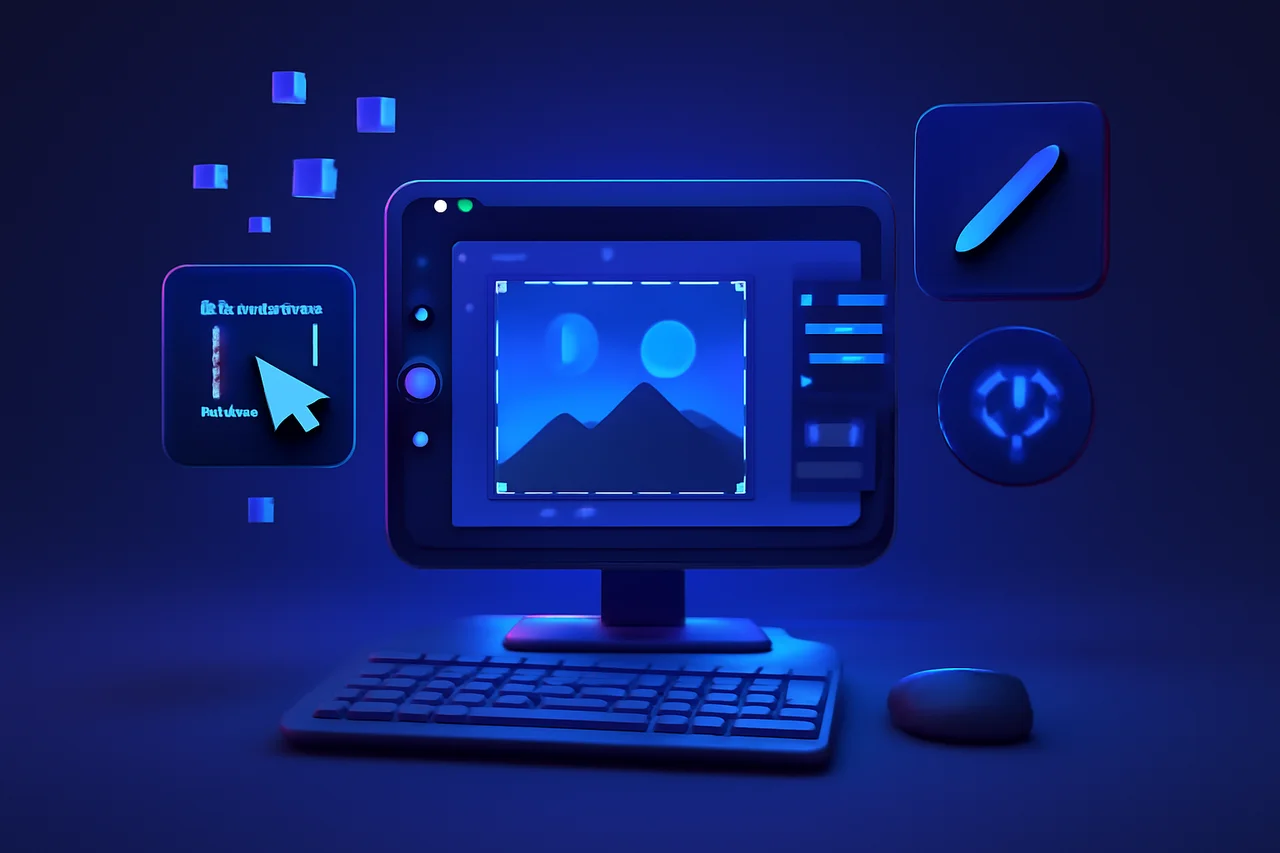
Google Pics is a newly launched feature integrated into Google Workspace, specifically tailored for users seeking an efficient way to create and edit images. This tool is designed to streamline the image management process, allowing users to easily manipulate visuals without the need for complex software or extensive graphic design skills. By focusing on accessibility and ease of use, Google aims to empower users to leverage visual content effectively, whether for personal projects, team collaborations, or business presentations.
Key Features of Google Pics
With Google Pics, users can expect a range of functionalities that enhance their workflow. Some key features include:
- Intuitive Interface: The user-friendly design allows for quick navigation and ease of use, making it accessible for individuals with varying levels of technical expertise.
- Basic Editing Tools: Users can crop, resize, and adjust images directly within the platform, enabling quick modifications without the need for external software.
- Image Creation Options: Google Pics enables users to create images from scratch using a variety of templates and graphic elements, catering to diverse creative needs.
- Integration with Google Workspace: The feature works seamlessly with other Google tools, allowing for easy sharing and collaboration across different platforms, such as Google Docs, Sheets, and Slides.
Benefits for Users
The introduction of Google Pics is expected to bring several benefits to users of Google Workspace. These include:
- Increased Efficiency: Users can complete image-related tasks more quickly, saving valuable time that can be redirected to other important activities.
- Accessibility: The tool is designed to be accessible for users of all skill levels, from novices to experienced graphic designers, ensuring that everyone can create and edit images with ease.
- Enhanced Collaboration: Teams can work together on image projects in real-time, improving communication and productivity by allowing multiple users to contribute simultaneously.
How Google Pics Enhances Workflow
By integrating image creation and editing directly into Google Workspace, Google Pics helps streamline workflows. Users no longer need to switch between multiple applications to manage their images. Instead, they can perform all necessary tasks within a single platform, which can lead to a more cohesive and organized approach to project management. This integration not only saves time but also minimizes the risk of losing work or encountering compatibility issues that often arise when using disparate software tools.
Feedback and Future Developments
As Google continues to roll out Google Pics, user feedback will play a crucial role in shaping future updates and enhancements. The company has a history of refining its products based on user experiences, and it is likely that Google Pics will evolve to include more advanced features and tools as it gains traction among users. Potential future developments could include more sophisticated editing capabilities, additional templates, and enhanced collaboration features, all aimed at further improving user experience.
Conclusion
Google Pics represents a significant step forward for image management within Google Workspace. By providing users with an easy-to-use tool for image creation and editing, Google aims to enhance productivity and collaboration. As organizations increasingly rely on visual content, tools like Google Pics will likely become indispensable in the modern workspace. The ability to create and edit images directly within a familiar environment not only fosters creativity but also supports the dynamic needs of teams and individuals in an ever-evolving digital landscape.
Key Highlights
- Google has launched Google Pics for image creation and editing.
- The tool is integrated into Google Workspace for seamless use.
- Google Pics features an intuitive interface for easy navigation.
- Users can crop, resize, and create images directly within the platform.
- The tool enhances collaboration by allowing real-time teamwork on image projects.
- Google Pics aims to improve efficiency and accessibility for all users.
- User feedback will influence future updates and enhancements to Google Pics.
Expert Analysis
Technical Analysis
Google Pics is a new feature integrated into Google Workspace that focuses on simplifying image creation and editing for users. It leverages an intuitive interface and basic editing tools, allowing users to crop, resize, and adjust images directly within the platform. This eliminates the need for complex graphic design software, making it accessible to users with varying levels of expertise. The tool also includes options for creating images from scratch using templates and graphic elements, catering to diverse creative needs.
The primary problem Google Pics addresses is the fragmentation of image management across multiple applications. By integrating image editing capabilities within Google Workspace, users can streamline their workflows and minimize the risk of losing work or encountering compatibility issues. While the tool offers significant improvements in accessibility and efficiency, it may have limitations in advanced editing features compared to dedicated graphic design software. As the tool evolves, user feedback will likely guide enhancements, potentially expanding its capabilities further.
Advantages
- Increased efficiency in completing image-related tasks.
- User-friendly design accessible for individuals of all skill levels.
- Enhanced collaboration with real-time contributions from multiple users.
- Seamless integration with other Google Workspace tools, facilitating easy sharing.
Disadvantages
- No major disadvantages reported yet.
Real-World Use Cases
- Individuals can create personalized images for social media or personal projects.
- Teams can collaborate on visual content for presentations or marketing materials.
- Businesses can streamline the creation of graphics for reports or internal communications.
- Educators can design engaging visual aids for lessons or presentations.
Business Impact
The introduction of Google Pics is likely to enhance Google's competitive position in the productivity software market, particularly against rivals that offer standalone graphic design tools. By integrating image creation within its suite, Google can attract more users to its Workspace platform, potentially increasing subscription revenue. As visual content becomes more critical in communication, tools like Google Pics may drive greater adoption of Google Workspace among businesses and teams looking for efficient solutions.
Furthermore, the focus on collaboration and ease of use may encourage organizations to transition from traditional graphic design software to Google Workspace, reshaping industry standards for image management and collaboration in the workplace.
User Impact
Ordinary users stand to benefit significantly from Google Pics, as it democratizes access to image creation and editing tools. Individuals with limited graphic design skills can now produce professional-looking visuals without needing extensive training. This accessibility is crucial in a digital landscape where visual content is increasingly important for communication and engagement.
However, users who require advanced editing capabilities may find Google Pics lacking compared to specialized graphic design software. Despite this, the tool's integration within Google Workspace makes it a valuable addition for users who prioritize efficiency and collaboration over advanced features.
Security & Privacy
Security and privacy analysis not applicable.
Future Outlook
In the near term, Google is expected to enhance Google Pics based on user feedback, potentially introducing more advanced editing features and additional templates. As the tool gains traction, it may evolve to include functionalities that cater to professional graphic designers, thereby broadening its user base. The ongoing integration of user suggestions will likely shape its development, ensuring that it remains relevant in a rapidly changing digital landscape.
Expert Summary
The launch of Google Pics is a significant development in the realm of image management within Google Workspace, offering users a streamlined and accessible tool for creating and editing visuals. Organizations, teams, and individuals should pay attention to this feature, as it represents a shift towards more integrated and user-friendly solutions in productivity software. Overall, Google Pics has the potential to enhance collaboration and creativity, making it a noteworthy addition to the Google Workspace ecosystem.
Originally reported by AI.