The recent rollout of Android 17 QPR2 Beta 4 has brought exciting new features aimed at enhancing user interface customization. This latest update focuses on the status bar, allowing users to take control over which icons are displayed. With this development, Google is following in the footsteps of other smartphone manufacturers that have already provided similar functionalities. This move not only reflects a growing trend towards personalization in mobile technology but also highlights Google's commitment to improving the user experience across its Android platform.
New Features in Android 17 QPR2 Beta 4
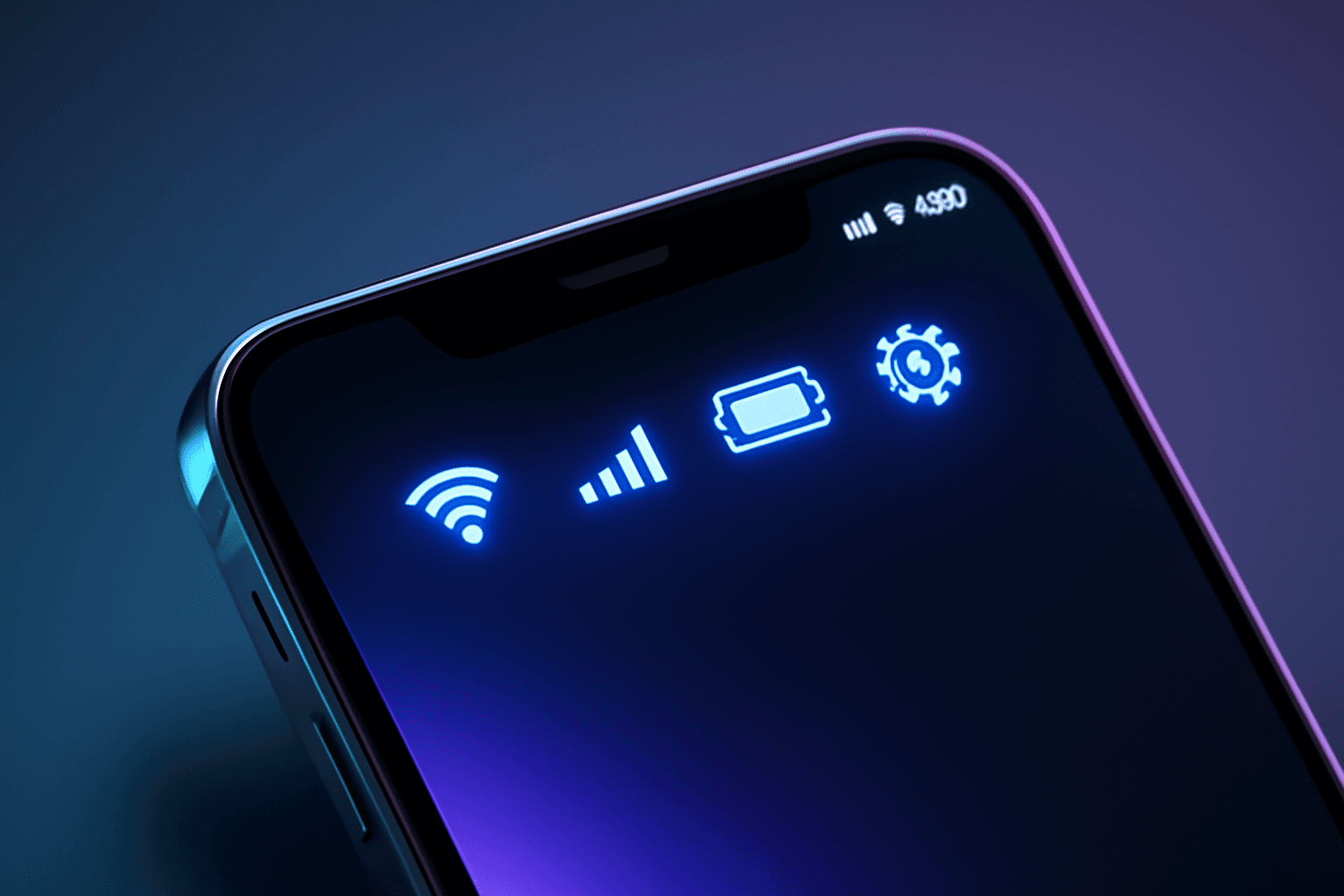
The Android 17 QPR2 Beta 4 update, which was released over the weekend, introduces significant changes to the Settings menu. Users can now customize their status bar by managing the visibility of both system and notification-related icons. This level of customization is a welcome addition for those who prefer a cleaner and more personalized interface. As smartphones become increasingly central to daily life, the ability to tailor the display to individual preferences is more important than ever.
Individual Management of Icons
One of the standout features of this beta update is the ability for users to individually control which icons appear in their status bar. This means that notifications or system indicators that are not relevant can be hidden, allowing for a less cluttered view. Google has confirmed that there are two new entries in the Settings page specifically designed for this feature, making it easier for users to navigate and make adjustments. This granular control empowers users to curate their notification experience, enhancing both functionality and aesthetic appeal.
Comparisons with Other Manufacturers
While Android's new customization options are a step forward, it's worth noting that similar features have been available from other smartphone manufacturers. Companies like Samsung and OnePlus have long offered users the ability to hide or manage status bar icons. This update places Android in a competitive position as it seeks to enhance user experience by offering more flexibility. The ability to customize the status bar is not just about aesthetics; it also plays a crucial role in how users interact with their devices on a daily basis. As competition in the smartphone market intensifies, features like these can significantly influence user choice.
Background on Feature Development
The evolution of this feature can be traced back to earlier developments in Android Canary builds. Evidence from July indicated that Google was exploring the possibility of allowing users to hide certain icons from the status bar. The latest beta release confirms that these ideas have materialized into functional options within the Android interface. This iterative development process showcases Google's responsiveness to user feedback and its willingness to experiment with new functionalities before they are rolled out to the broader public.
Implications for Users
The introduction of the status bar customization feature is likely to be well-received by Android users who value personalization in their smartphone experience. By providing more control over what is visible, Google is addressing a common user request for a more tailored interface. This update not only enhances usability but also aligns Android more closely with the customization options available on competing devices. For many users, the ability to streamline their notifications can lead to improved productivity and satisfaction, as they can focus on what truly matters without unnecessary distractions.
Looking Ahead
As Android continues to evolve, the focus on user interface customization suggests that future updates may include even more features aimed at enhancing personalization. Users can expect ongoing improvements that cater to their preferences, ultimately leading to a more satisfying smartphone experience. For now, the Android 17 QPR2 Beta 4 serves as a significant step in this direction. As Google continues to innovate, it will be interesting to see how these changes impact user engagement and satisfaction in the long term. The emphasis on customization not only reflects current trends in technology but also sets the stage for a more user-centric approach in future Android updates.
Key Highlights
- Android 17 QPR2 Beta 4 introduces new status bar customization options.
- Users can individually manage the visibility of system and notification icons.
- The update aims to enhance user interface personalization.
- Similar features are already available on devices from Samsung and OnePlus.
- The beta release confirms earlier development indications from Android Canary.
- Two new entries for status bar customization have been added to the Settings menu.
- This update reflects Google's commitment to improving user experience in Android.
Expert Analysis
Technical Analysis
The Android 17 QPR2 Beta 4 update introduces new features that enhance the customization of the status bar, allowing users to manage the visibility of system and notification icons. This functionality is integrated into the Settings menu, where users can find two new entries specifically designed for this purpose. By enabling individual control over which icons are displayed, the update aims to reduce clutter and improve the overall user experience. This approach aligns with the growing trend towards personalization in mobile technology, where users increasingly seek to tailor their devices to fit their preferences.
What sets this update apart is its focus on user empowerment through granular control of the status bar. Unlike previous versions of Android, which offered limited customization options, this beta release allows users to hide irrelevant notifications and system indicators, thereby enhancing both the aesthetic appeal and functionality of the interface. However, while this feature brings Android in line with competitors like Samsung and OnePlus, it also highlights a potential limitation: the need for Android to continuously innovate to keep pace with the customization capabilities offered by other smartphone manufacturers.
Advantages
- Enhanced user control over the status bar display.
- Ability to hide irrelevant notifications, leading to a cleaner interface.
- Improved user experience through personalization.
- Alignment with current trends in mobile technology emphasizing customization.
Disadvantages
- No major disadvantages reported yet.
Real-World Use Cases
- Users can customize their status bar to display only the most relevant notifications, improving focus and productivity.
- Individuals who prefer a minimalist interface can hide unnecessary icons for a cleaner look.
- Businesses can utilize this feature to tailor devices for employees, ensuring only essential notifications are visible.
Business Impact
The introduction of status bar customization in Android 17 QPR2 Beta 4 positions Google more competitively against other smartphone manufacturers that have long offered similar features. This enhancement not only reflects a commitment to user experience but also opens up potential revenue opportunities as users may be more inclined to choose Android devices that offer greater personalization. As the smartphone market becomes increasingly saturated, such features could play a critical role in influencing consumer choice and loyalty.
User Impact
Ordinary users stand to benefit significantly from the new customization options, as they can tailor their devices to better suit their individual needs and preferences. This update is particularly relevant for those who value a personalized smartphone experience, as it allows for greater control over notifications and system indicators. However, users who are accustomed to a more standardized interface may not find the changes as compelling. Overall, the update is worth adopting for those looking to enhance their interaction with their devices.
Security & Privacy
Security and privacy analysis not applicable.
How It Compares
- Android's new customization options bring it in line with competitors like Samsung and OnePlus, who have offered similar features for some time.
Future Outlook
As Android continues to evolve, it is likely that future updates will build upon the foundation laid by the QPR2 Beta 4, introducing even more features aimed at enhancing user interface customization. The emphasis on personalization suggests that Google will prioritize user feedback and preferences in its development roadmap, potentially leading to a more satisfying smartphone experience. Users can expect ongoing improvements that cater to their needs, which may further solidify Android's position in the competitive smartphone market.
Expert Summary
The rollout of Android 17 QPR2 Beta 4 is a significant development in the ongoing evolution of the Android platform, particularly in terms of user interface customization. This update is particularly relevant for users who prioritize personalization in their smartphone experience. As Google continues to innovate and respond to user demands, this feature could enhance user engagement and satisfaction, making it an important update for both existing and potential Android users.
Originally reported by Android Authority.