The Google Gemini app is currently in the midst of significant design updates, focusing particularly on enhancing its camera interface and refining the '@' menu. These changes are expected to improve user experience and streamline functionality, drawing inspiration from popular design elements found in the ChatGPT mobile app. As Google continues to innovate, these updates reflect a broader trend in the tech industry where user-centric design is becoming increasingly paramount.
New Camera Interface Inspired by ChatGPT
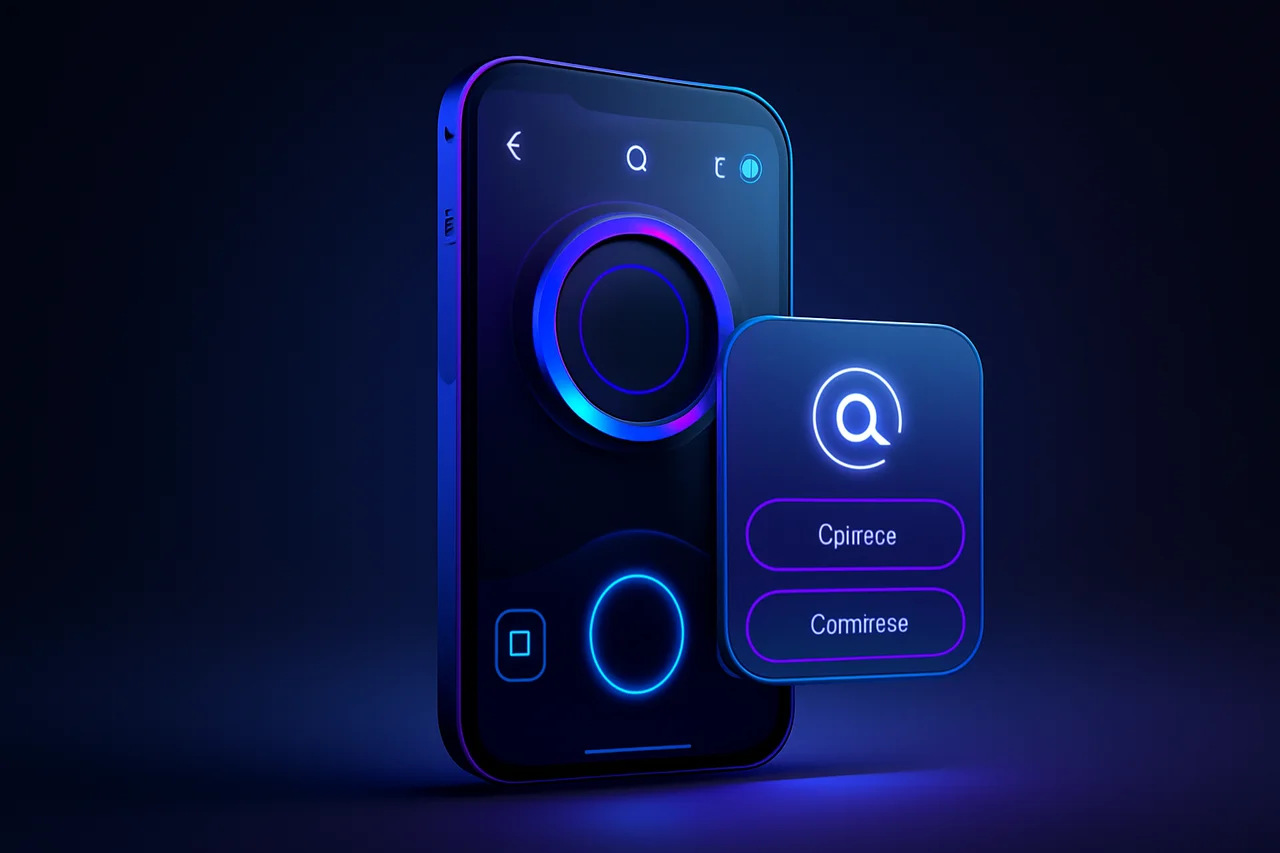
One of the most notable updates is the redesign of the camera interface. Observers have noted that the new design echoes features from the ChatGPT mobile app, which has been well-received for its user-friendly layout. This inspiration could indicate a strategic shift for Google as it aims to make the Gemini app more accessible and appealing to users who are accustomed to modern, intuitive interfaces. The integration of a more streamlined camera interface not only enhances the aesthetic appeal of the app but also aims to improve functionality, allowing users to capture and share content more efficiently.
Streamlining the '@' Menu
Alongside the camera interface, the '@' menu is also undergoing a refresh. This update aims to create a cleaner and more organized user experience. By hiding disabled Connected Apps, the new design will eliminate clutter and allow users to focus on the tools and features that are currently active. Such changes could significantly enhance usability, making it easier for users to navigate through the app. The '@' menu is a critical component of the Gemini app, serving as a hub for various functionalities, and its optimization is likely to result in a more fluid interaction for users.
Ongoing Evolution of the Gemini App
The Gemini app has seen a considerable evolution in its user interface over the past couple of years. These ongoing updates reflect Google's commitment to continuous improvement and adaptation in response to user feedback and industry trends. As the app evolves, users can expect further enhancements that prioritize both functionality and aesthetic appeal. This iterative approach to design signifies Google's recognition of the fast-paced nature of mobile technology and the necessity to stay ahead of competitors by continually refining user experience.
Recent Design Tweaks
In addition to the camera and '@' menu updates, recent observations have highlighted tweaks to the Gemini Live interface. These adjustments suggest that Google is not only focused on major overhauls but is also attentive to smaller details that can improve the overall user experience. Such incremental changes, combined with larger updates, contribute to a more cohesive and user-friendly app. The emphasis on refining smaller elements underscores a holistic approach to design, where every aspect of the user interface is considered and optimized.
Implications for User Experience
As Google implements these design updates, the implications for user experience are significant. A more intuitive camera interface and a streamlined '@' menu are likely to enhance usability, making it easier for users to engage with the app's features. This focus on user-centered design could help Google better compete in a crowded market, particularly against apps that have successfully integrated user-friendly elements, like ChatGPT. The ability to quickly and efficiently navigate through the app may lead to increased user satisfaction and retention, which are crucial for the long-term success of any mobile application.
Looking Ahead
With these updates, the Google Gemini app is poised to make a strong impression in the evolving landscape of mobile applications. As the app continues to incorporate user feedback and draw inspiration from successful designs, users can look forward to a more refined experience. Anticipation builds for future updates that may further enhance the app's capabilities and functionality. In a world where user expectations are continually rising, Google’s proactive approach to design and functionality could set a new standard for mobile applications, ensuring that the Gemini app remains relevant and competitive.
Key Highlights
- Google Gemini app is undergoing significant design updates.
- The camera interface is inspired by the ChatGPT mobile app.
- The '@' menu is being refreshed to streamline user experience.
- Updates aim to hide disabled Connected Apps for a cleaner interface.
- Gemini app's UI has evolved considerably over the past two years.
- Recent tweaks have been made to the Gemini Live interface.
- Google's design changes reflect a commitment to user-centered improvements.
- The updates may enhance competition with other user-friendly apps.
Expert Analysis
Technical Analysis
The Google Gemini app is undergoing significant design updates that focus on enhancing its camera interface and refining the '@' menu. The new camera interface draws inspiration from the ChatGPT mobile app, which is recognized for its user-friendly layout. This redesign aims to improve both the aesthetic appeal and functionality of the app, allowing users to capture and share content more efficiently. The '@' menu is also being optimized to create a cleaner user experience by hiding disabled Connected Apps, which reduces clutter and helps users focus on active tools. These updates reflect a broader trend in the tech industry towards user-centric design, emphasizing the importance of intuitive interfaces.
The improvements in the Gemini app's design not only enhance usability but also signify Google's commitment to continuous evolution in response to user feedback and industry trends. By adopting a holistic approach to design, where both major overhauls and smaller tweaks are considered, Google aims to create a more cohesive and user-friendly experience. However, while these updates are promising, the effectiveness of these changes will ultimately depend on user adoption and satisfaction, which can be challenging to gauge in a competitive market.
Advantages
- Enhanced user experience through a more intuitive camera interface.
- Streamlined '@' menu that reduces clutter and improves navigation.
- Increased user satisfaction and retention due to improved usability.
- Alignment with modern design trends that appeal to users accustomed to intuitive interfaces.
Disadvantages
- No major disadvantages reported yet.
Real-World Use Cases
- Individuals can use the improved camera interface to capture and share photos more efficiently.
- Businesses can leverage the streamlined '@' menu to enhance productivity by quickly accessing active tools.
- Developers may find the design updates provide insights into user preferences for future app enhancements.
Business Impact
The design updates to the Google Gemini app could significantly impact its market position by enhancing user engagement and satisfaction. As user expectations for mobile applications continue to rise, these improvements may help Google better compete against other apps that prioritize user-friendly designs, such as ChatGPT. This competitive edge could lead to increased market share and revenue opportunities for Google as they attract more users to the Gemini app.
User Impact
Ordinary users stand to benefit from the updates as they promise a more intuitive and efficient experience when using the Gemini app. The enhancements to the camera interface and '@' menu are designed to make interactions smoother, which could lead to higher satisfaction levels. However, users who are accustomed to the previous interface may need some time to adjust to the new design. Overall, the updates appear to be worth adopting for those seeking a more streamlined mobile experience.
Security & Privacy
Security and privacy analysis not applicable.
Future Outlook
In the near term, users can expect further enhancements to the Gemini app as Google continues to integrate user feedback and draw inspiration from successful design elements in the industry. The focus on both major updates and minor tweaks suggests that Google is committed to maintaining a competitive edge in the mobile app market. Future updates may also introduce additional features that enhance functionality and user engagement, keeping the app relevant in a rapidly evolving landscape.
Expert Summary
The updates to the Google Gemini app are significant as they reflect a strategic shift towards user-centric design, inspired by successful elements from competitors like ChatGPT. Stakeholders in the tech industry, particularly those focused on mobile applications, should pay attention to how these changes may influence user behavior and market dynamics. Overall, the enhancements position the Gemini app favorably for future growth and user adoption.
Originally reported by Android Authority.