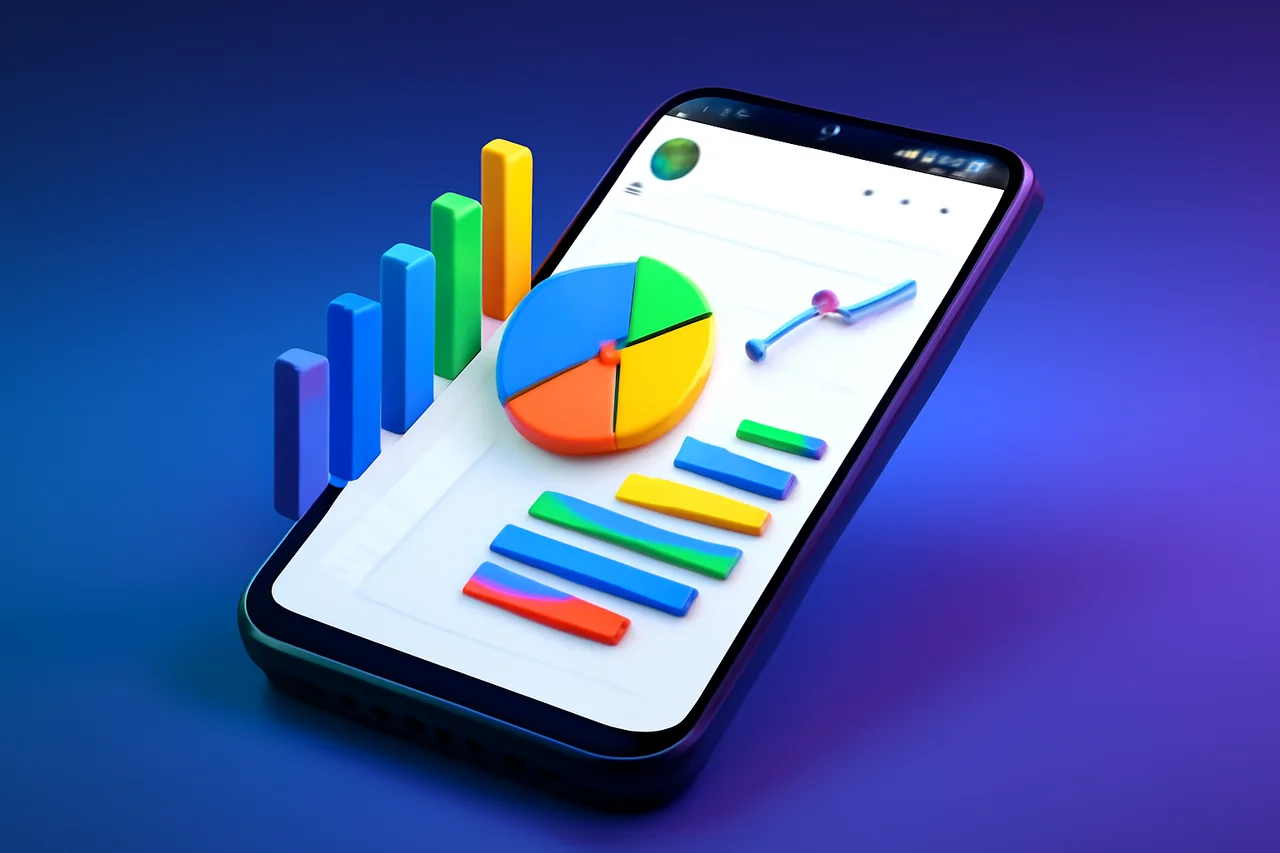
Google is revolutionizing the way users interact with spreadsheets on mobile devices by integrating Gemini into Google Sheets for Android. This innovative feature aims to streamline data analysis, making it easier for users to extract meaningful insights directly from their phones. With Gemini's capabilities, the traditionally cumbersome task of managing spreadsheets on smaller screens is becoming more manageable and less time-consuming. This integration reflects a broader trend in mobile productivity, where users increasingly rely on their smartphones for work-related tasks.
Enhancing Mobile Productivity with Gemini
Gemini's introduction into Google Sheets on Android is a significant step towards improving mobile productivity. Users can now engage with their spreadsheets in a more intuitive manner, allowing them to focus on data analysis rather than getting bogged down by navigation issues. The Gemini feature can summarize tables, identify trends, and even generate charts, all from the comfort of a mobile device. This capability not only enhances productivity but also empowers users to make data-driven decisions quickly, a crucial aspect in today’s fast-paced work environment.
Features of Gemini in Google Sheets
The Gemini feature is designed to analyze the spreadsheet currently open on the user’s device. By tapping the Gemini sparkle icon within the Sheets app, users can ask specific questions about their data. Some of the key functionalities include:
- Summarizing tables for quick insights
- Spotting interesting patterns in data
- Generating charts without manual data manipulation
This capability not only saves time but also enhances the overall user experience, making data analysis more accessible on the go. Users can now derive insights that previously would have required extensive manual processing, allowing them to focus on interpreting the data rather than just compiling it.
Limitations of Mobile Spreadsheet Management
Despite the advancements brought by Gemini, there are still limitations to what can be accomplished on mobile devices. More complex tasks, such as creating intricate formulas or applying advanced formatting, still require the desktop version of Google Sheets. Users may find that while Gemini simplifies many aspects of data analysis, it cannot fully replace the functionality available on a larger screen. This limitation highlights the ongoing need for a dual approach to spreadsheet management, where both mobile and desktop versions serve distinct yet complementary roles.
Why Mobile Spreadsheets Have Been Challenging
Working with spreadsheets on mobile devices has historically been fraught with challenges. The smaller screen size makes it difficult to navigate through extensive rows of data, and understanding the significance of numerous data points can be overwhelming. Many users have found themselves relying on laptops or desktops for spreadsheet tasks, as mobile interfaces often do not provide the same level of usability. This has created a gap in mobile productivity, where users are unable to fully leverage the power of data analysis tools when on the move.
Gemini's Role in Reducing Frustration
With the integration of Gemini, Google is addressing these frustrations head-on. By enabling users to interact with their data through simple queries, Google Sheets on Android is becoming a more user-friendly platform. This update is designed to cater to the needs of mobile users who require quick access to data insights without the hassle of traditional spreadsheet navigation. The ability to ask questions and receive immediate answers transforms the way users approach their data, making it less of a chore and more of an engaging task.
Future Implications for Mobile Productivity
The introduction of Gemini into Google Sheets signals a broader trend towards enhancing mobile productivity tools. As more users rely on their smartphones for work-related tasks, features like Gemini could set a new standard for how mobile applications handle data analysis. Google’s commitment to improving user experience on mobile devices may lead to further innovations in the future. As mobile technology continues to evolve, we can expect to see more sophisticated features that cater to the growing demand for efficiency and ease of use in data management.
Conclusion
In conclusion, Gemini's arrival in Google Sheets for Android marks a significant improvement in the way users can analyze and interact with data on their mobile devices. While there are still limitations compared to the web version, the ability to summarize data, identify trends, and generate charts directly from a phone represents a meaningful step forward in mobile productivity. As Google continues to refine its tools, users can expect an increasingly seamless experience in managing spreadsheets on the go. This evolution not only enhances individual productivity but also aligns with the larger shift towards mobile-first solutions in the workplace.
Key Highlights
- Google Sheets on Android now integrates Gemini for enhanced data analysis.
- Users can summarize tables and identify trends directly from their phones.
- Gemini allows for chart generation without manual data manipulation.
- Complex tasks still require the web version of Google Sheets.
- Mobile spreadsheets have historically been challenging due to screen size.
- Gemini simplifies user interactions with data, reducing frustration.
- The update aims to improve mobile productivity for spreadsheet users.
Expert Analysis
Technical Analysis
The integration of Gemini into Google Sheets for Android introduces advanced data analysis capabilities directly on mobile devices. Gemini leverages artificial intelligence to analyze the spreadsheet currently open on the user's device, allowing for intuitive interactions through natural language queries. Users can ask specific questions about their data, and Gemini responds with insights, summaries, and visualizations, such as charts, without requiring extensive manual input. This technology addresses the challenges of navigating complex data on smaller screens, making it easier for users to derive insights quickly.
However, while Gemini enhances mobile productivity, it does have limitations. More complex tasks, such as creating intricate formulas or applying advanced formatting, still necessitate the desktop version of Google Sheets. This suggests that while Gemini simplifies many aspects of data analysis, it cannot fully replicate the comprehensive functionality available on larger screens. Users may need to adopt a dual approach, utilizing both mobile and desktop versions to maximize their productivity and capabilities in spreadsheet management.
Advantages
- Enhances mobile productivity by allowing users to analyze data directly from their phones.
- Enables users to summarize tables and identify trends quickly, saving time.
- Facilitates the generation of charts without manual data manipulation, improving user experience.
- Reduces frustration associated with navigating spreadsheets on smaller screens.
Disadvantages
- Complex tasks like creating intricate formulas still require the desktop version.
- Limited functionality compared to the desktop version may hinder some users.
Real-World Use Cases
- Business professionals can quickly analyze sales data while on the go.
- Students can summarize research data and generate charts for presentations directly from their mobile devices.
- Data analysts can spot trends and insights during meetings without needing a laptop.
- Remote workers can manage and analyze spreadsheets efficiently from anywhere.
Business Impact
The integration of Gemini into Google Sheets for Android is likely to enhance Google's position in the productivity software market, particularly among mobile users. As more professionals rely on smartphones for work-related tasks, this feature could attract new users and retain existing ones, potentially increasing revenue opportunities for Google. Competitors may need to respond with similar innovations to keep pace with the evolving demands of mobile productivity.
This shift towards mobile-first solutions may also influence industry standards, prompting other software providers to enhance their mobile offerings. As users become accustomed to more sophisticated mobile tools, the expectation for seamless data analysis on smartphones will grow, driving further innovation in the sector.
User Impact
Ordinary users, particularly those who frequently work on spreadsheets, stand to benefit significantly from the integration of Gemini. The ability to quickly analyze data and generate insights from a mobile device can enhance productivity and decision-making in fast-paced environments. However, users who rely on advanced spreadsheet functionalities may find the limitations of the mobile version frustrating, suggesting that not everyone may find it sufficient for their needs. Overall, for many users, adopting this feature could lead to a more efficient and engaging experience with data management on mobile devices.
Security & Privacy
Security and privacy analysis not applicable.
Future Outlook
The introduction of Gemini in Google Sheets is likely just the beginning of a trend towards more advanced mobile productivity tools. As user expectations for mobile applications continue to rise, we can anticipate further enhancements in data analysis capabilities and user interfaces. Future developments may include more sophisticated AI-driven features that allow for deeper insights and more complex data manipulation directly from mobile devices, making mobile spreadsheet management even more powerful and user-friendly.
Expert Summary
The integration of Gemini into Google Sheets for Android represents a significant advancement in mobile productivity, allowing users to interact with their data more intuitively. This news is particularly relevant for business professionals, students, and anyone who relies on spreadsheets for data analysis. As mobile technology evolves, features like Gemini could set new standards for how users engage with data on the go, making it essential for stakeholders in the productivity software market to pay attention to these developments.
Originally reported by Android Authority.