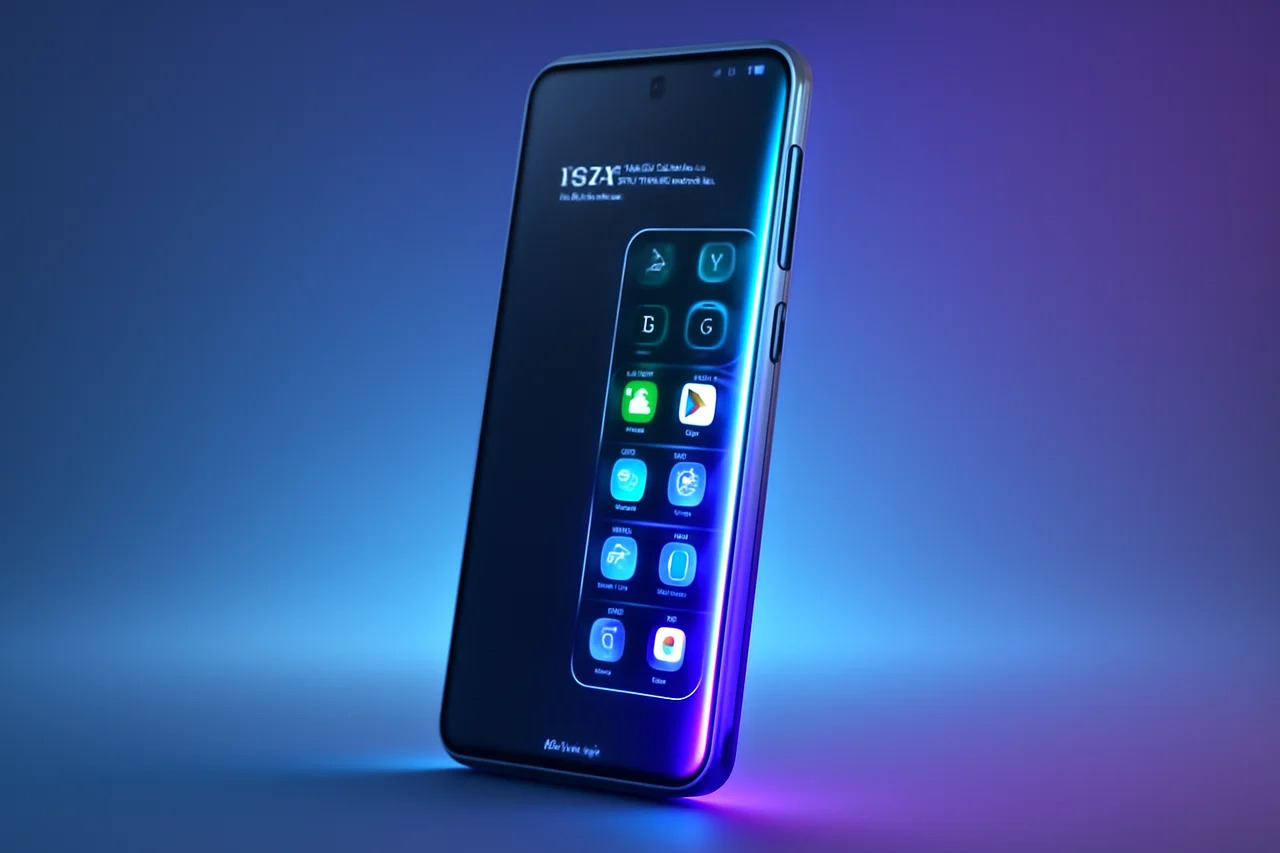
Samsung Galaxy Phones are renowned for their innovative features, and one standout element that comes standard with every device is the Edge Panel. This unique add-on not only enhances usability but also enriches the overall user experience. In this article, we will explore the various functionalities of the Edge Panel and provide tips on how to make the most of this feature.
What is the Edge Panel?
The Edge Panel is a customizable interface that provides quick access to apps, tools, and information right from the edge of your Samsung Galaxy Phone's screen. This feature is designed to streamline your interactions with the device, allowing you to multitask efficiently without disrupting your current activity. Whether you need to check notifications, access your favorite apps, or utilize handy tools, the Edge Panel is a versatile solution.
Since its introduction, the Edge Panel has evolved significantly, catering to users' needs for efficiency and ease of access. It allows for a seamless transition between tasks, making it ideal for those who juggle multiple responsibilities or simply want to enhance their mobile experience. The Edge Panel is not just a feature; it represents Samsung's commitment to user-centric design that prioritizes convenience and functionality.
Setting Up the Edge Panel
Activating the Edge Panel is a straightforward process. Follow these steps to get started:
- Open the Settings app on your Galaxy Phone.
- Navigate to the Display section.
- Look for the Edge screen option and toggle it on.
- Customize your Edge Panels by selecting which ones you want to use.
Once you have enabled the Edge Panel, you can easily access it by swiping in from the edge of your screen. This gesture will reveal your chosen panels, making it simple to switch between them as needed. The intuitive design ensures that users can access their tools and information without any cumbersome navigation, allowing for a more fluid interaction with their device.
Customizing Your Edge Panel
One of the best aspects of the Edge Panel is its customization options. Users can choose from a variety of panels, including:
- Apps Panel: Quick access to your most-used applications.
- People Panel: Easy communication with your favorite contacts.
- Tools Panel: Access to utilities like a ruler, flashlight, and more.
- Weather Panel: Instant updates on weather conditions.
To customize your Edge Panel, simply tap on the settings icon within the Edge Panel menu and select the panels you wish to add or remove. This flexibility allows you to tailor the Edge Panel to your specific needs and preferences. Users can also rearrange the order of the panels to suit their workflow, ensuring that the most important tools are always within easy reach.
Using the Edge Panel Effectively
To maximize the effectiveness of the Edge Panel, consider these tips:
- Organize your frequently used apps for quicker access, ensuring that your most essential tools are just a swipe away.
- Utilize the People Panel to streamline communication with contacts, allowing for faster messaging and calling.
- Experiment with different tools in the Tools Panel to find what works best for you, whether it's a quick note-taking tool or a timer.
- Regularly update your Edge Panel settings based on your changing needs, adapting to new apps or tools that enhance your productivity.
By integrating the Edge Panel into your daily routine, you can significantly enhance your productivity and streamline your interactions with your Galaxy Phone. The Edge Panel is particularly beneficial for users who rely on their devices for both personal and professional tasks, as it minimizes the need to navigate through multiple screens or menus.
Conclusion
The Edge Panel is a remarkable feature that adds significant value to every Samsung Galaxy Phone. By taking the time to explore its capabilities and customize it to fit your lifestyle, you can unlock a new level of efficiency and convenience. Whether you're a long-time Galaxy user or new to the brand, the Edge Panel is an essential tool that can help you make the most of your device. As mobile technology continues to evolve, features like the Edge Panel exemplify how user-friendly design can enhance the overall experience, making smartphones not just tools, but integral parts of our daily lives.
Key Highlights
- The Edge Panel is a customizable interface on Samsung Galaxy Phones.
- It provides quick access to apps, tools, and information.
- Users can activate the Edge Panel through the Display settings.
- Customization options include various panels like Apps, People, and Tools.
- Regular updates to the Edge Panel settings can enhance user experience.
- The Edge Panel can streamline multitasking and improve productivity.
- It's a valuable feature for both new and experienced Galaxy users.
Expert Analysis
Technical Analysis
The Samsung Galaxy Edge Panel is a customizable interface integrated into Galaxy Phones, designed to provide quick access to apps, tools, and information from the edge of the screen. This technology operates by allowing users to swipe in from the edge, revealing a panel that can be tailored to individual preferences. It addresses the problem of navigating through multiple screens and menus, enabling users to multitask more efficiently and access essential functions with minimal disruption to their current activity.
What sets the Edge Panel apart is its versatility and user-centric design. Users can customize their panels to include frequently used applications, communication shortcuts, and utility tools, enhancing their overall mobile experience. While the Edge Panel has evolved to cater to user needs, its limitations may include dependency on the device's screen size and potential performance impacts if overloaded with too many features. Overall, the Edge Panel represents a significant improvement in mobile usability, though it may not be suitable for every user depending on their interaction style with smartphones.
Advantages
- Provides quick access to frequently used apps and tools.
- Enhances multitasking capabilities without disrupting current activities.
- Customizable to fit individual user preferences and workflows.
- Streamlines communication with easy access to favorite contacts.
Disadvantages
- No major disadvantages reported yet.
Real-World Use Cases
- Users can quickly access their most-used applications without navigating through the home screen.
- Professionals can utilize the Edge Panel to manage communication with key contacts efficiently.
- Students can use the Tools Panel for quick access to utilities like timers and note-taking tools during study sessions.
Business Impact
The introduction of the Edge Panel enhances Samsung's competitive edge in the smartphone market by showcasing their commitment to user-friendly design. This feature not only differentiates Samsung devices from competitors but also opens up new revenue opportunities through potential app integrations and partnerships that leverage the Edge Panel's capabilities. As user expectations for mobile functionality continue to rise, features like the Edge Panel may drive increased sales and customer loyalty for Samsung products.
User Impact
Ordinary users stand to benefit significantly from the Edge Panel, as it simplifies device interaction and enhances productivity. Those who frequently use their phones for both personal and professional tasks will find the feature particularly valuable. However, users who prefer traditional navigation methods may not fully appreciate the Edge Panel's advantages. Overall, the Edge Panel is worth adopting for those looking to optimize their mobile experience.
Security & Privacy
Security and privacy analysis not applicable.
Future Outlook
In the near term, we can expect Samsung to continue refining the Edge Panel, potentially introducing new panels and features based on user feedback. As mobile technology evolves, the integration of artificial intelligence could enhance the Edge Panel's capabilities, allowing for smarter suggestions and automated workflows that further streamline user interactions.
Expert Summary
The Samsung Galaxy Edge Panel is a noteworthy feature that enhances the usability of Galaxy Phones, making it essential for users seeking efficiency and convenience. Mobile technology enthusiasts, developers, and businesses should pay attention to how such features can shape user experience and influence market trends. Overall, the Edge Panel exemplifies Samsung's innovative approach to mobile design and user engagement.
Originally reported by Gear Latest.