Sony headphones and earbuds have long been favored for their audio quality and innovative features. However, controlling these features typically requires the use of the Sound Connect app on a smartphone, which can be inconvenient for users who prefer gaming or working on a PC. Fortunately, new open source projects have emerged, providing users with alternatives to manage their audio settings directly from their computers. This development marks a significant shift in how users interact with their audio devices, offering more flexibility and convenience.
The Limitations of the Sound Connect App
While the Sound Connect app offers a wide range of features for Sony headphone users, it also presents some limitations. Primarily, users must rely on their smartphones to make adjustments to settings such as noise cancellation and equalizer levels. This can be particularly cumbersome for those who are engaged in activities like gaming or working at their computers. The need to switch back and forth between devices can disrupt the user experience and lead to frustration.
Moreover, the app's reliance on mobile connectivity can introduce latency issues, especially during critical listening moments, such as in competitive gaming scenarios where audio cues are vital. Users have expressed a desire for more seamless integration between their audio devices and PC environments, as the mobile app does not always provide the responsiveness that dedicated desktop applications can offer.
Emergence of Open Source Solutions
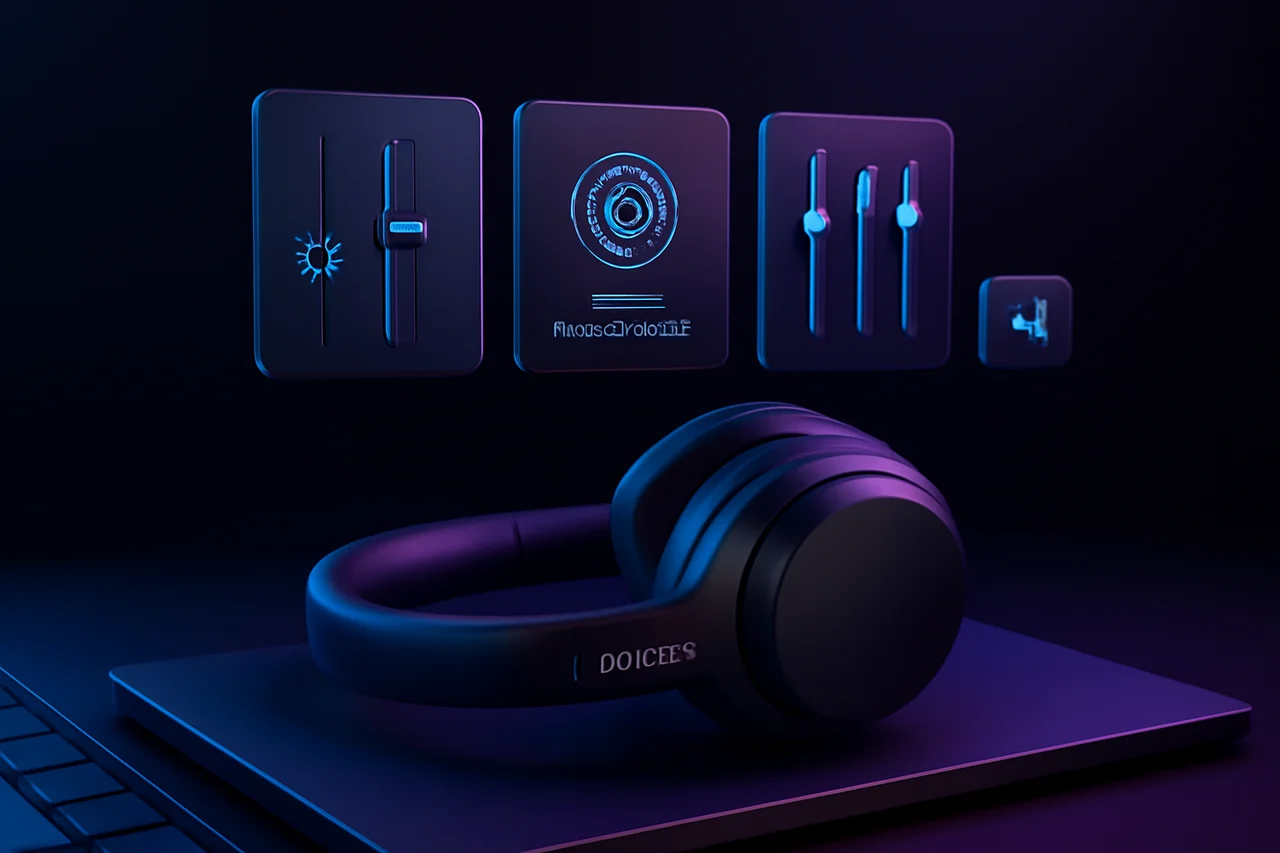
In response to these limitations, the unofficial Sony Device Center open source project has been developed. This initiative allows users to control various features of their Sony headphones directly from their PCs. By providing an alternative to the Sound Connect app, this project empowers users to make adjustments without needing to reach for their smartphones. Features such as active noise cancellation (ANC) and equalizer settings can now be easily managed from the comfort of a desktop environment.
The open source nature of this project means that it is not only free to use, but it also invites contributions from developers and users alike. This collaborative effort allows for rapid iterations and improvements based on user feedback, which can lead to a more tailored experience for specific use cases, such as gaming or professional audio work.
Benefits of PC Control
The ability to control Sony headphones from a PC offers several advantages. For gamers, having immediate access to audio settings can enhance the overall experience, allowing for quick adjustments during gameplay without interrupting their flow. For instance, a gamer can swiftly toggle noise cancellation on or off to better hear in-game sounds or chat with teammates. Additionally, users working on audio projects can benefit from fine-tuning settings in real-time, leading to improved productivity. The convenience of managing audio directly from a computer can significantly enhance the overall user experience.
Furthermore, PC control allows for a more ergonomic setup. Users can adjust their audio settings using keyboard shortcuts or dedicated software interfaces, reducing the need for physical interactions with their headphones and enabling a more immersive experience during extended use.
Key Features of the Unofficial Apps
The open source projects designed for Sony headphones include various features that mirror those found in the Sound Connect app. Users can expect to find functionalities such as:
- Active noise cancellation adjustments
- Equalizer settings for customized audio profiles
- Volume controls
- Device connectivity options
- Battery status monitoring
These features allow users to have greater control over their audio experience, making it easier to tailor sound to their preferences. The inclusion of battery status monitoring is particularly useful for users who rely on their headphones for long periods, providing them with timely notifications to ensure they never run out of power unexpectedly.
Community and Future Developments
The open source nature of these projects encourages community involvement, with developers continuously working to improve functionality and add new features. This collaborative approach not only enhances the software but also fosters a sense of community among users who share a common interest in optimizing their audio experience. As these projects evolve, users can expect even more robust features and capabilities.
Additionally, the community-driven aspect of open source projects often leads to innovative solutions that may not have been considered by traditional software development teams. Users can contribute their own ideas and improvements, which can be rapidly integrated into the software, ensuring that it meets the evolving needs of the user base.
Conclusion
The emergence of unofficial open source applications for Sony headphones represents a significant advancement for users seeking to control their audio settings without the need for a smartphone. By enabling PC-based management of features like noise cancellation and equalizer adjustments, these projects enhance the overall user experience, particularly for gamers and professionals alike. As the community continues to develop these tools, the future looks promising for Sony headphone users looking for more accessible audio control options. With ongoing improvements and a growing community, users can anticipate a more integrated and satisfying audio experience that aligns with their lifestyle and preferences.
Key Highlights
- Sony headphones typically require the Sound Connect app for adjustments.
- New open source projects allow PC users to control headphone settings.
- Features like noise cancellation and equalizer adjustments are now accessible on PC.
- The unofficial Sony Device Center project enhances user convenience.
- Gamers and professionals can benefit from immediate access to audio settings.
- Community involvement drives ongoing improvements in these applications.
- The shift to PC control marks a significant change in audio management.
Expert Analysis
Technical Analysis
The new open source applications for controlling Sony headphones leverage PC-based software to manage audio settings that were traditionally adjusted through the Sound Connect app on smartphones. This shift allows users to access features such as active noise cancellation and equalizer settings directly from their computers, enhancing convenience and responsiveness. The open source nature of these applications means they are free to use and can be continuously improved through community contributions, which can lead to rapid iterations and tailored experiences for specific use cases, such as gaming or professional audio work.
The primary problem these applications solve is the inconvenience and latency issues associated with switching between devices to adjust audio settings. Users engaged in activities like gaming or professional audio projects can benefit from immediate access to their headphone controls, improving their overall experience. However, while these applications provide significant improvements over the mobile app, they may still face limitations in terms of compatibility with all Sony headphone models and potential bugs that can arise from community-driven development.
Advantages
- Immediate access to audio settings enhances the gaming experience.
- Allows for quick adjustments during gameplay without interrupting flow.
- Improves productivity for users working on audio projects with real-time adjustments.
- Ergonomic setup reduces the need for physical interactions with headphones.
- Battery status monitoring helps users manage headphone usage effectively.
Disadvantages
- No major disadvantages reported yet.
Real-World Use Cases
- Gamers can quickly toggle noise cancellation to hear in-game sounds better.
- Audio professionals can fine-tune settings in real-time during projects.
- Users can manage audio settings from their desktop without needing to switch devices.
- Developers can contribute to the open source project to enhance features.
- Casual users can enjoy a more integrated audio experience while working or gaming.
Business Impact
The emergence of open source applications for Sony headphones could disrupt the market by providing users with more flexible options for audio control, potentially reducing reliance on proprietary software like the Sound Connect app. This shift may encourage other audio device manufacturers to explore similar open source initiatives, fostering a more competitive landscape. Additionally, as these applications gain traction, there may be new revenue opportunities for developers who can create complementary tools or services that enhance the user experience further.
User Impact
Ordinary users, particularly gamers and audio professionals, stand to benefit significantly from these new applications, as they offer a more seamless and responsive way to control their audio settings. The convenience of managing headphone features directly from a PC can enhance their overall experience, making it worth adopting. However, users who are less tech-savvy may find the open source nature of these applications daunting or may prefer the simplicity of the official Sound Connect app.
Security & Privacy
Security and privacy analysis not applicable.
Future Outlook
In the near term, we can expect continued development and enhancement of these open source applications as the community actively contributes to their improvement. This could lead to the introduction of new features and better compatibility with a wider range of Sony headphone models. As user feedback is integrated into the development process, the applications may evolve to meet the specific needs of various user segments, further solidifying their place in the audio control landscape.
Expert Summary
The introduction of open source applications for controlling Sony headphones marks a significant advancement in user experience, particularly for those who prefer PC-based management. This development is noteworthy for audio enthusiasts, gamers, and professionals alike, as it provides a more integrated and responsive way to manage audio settings. Stakeholders in the audio technology space should pay attention to this trend, as it may influence future software development strategies and user expectations.
Originally reported by Android Authority.