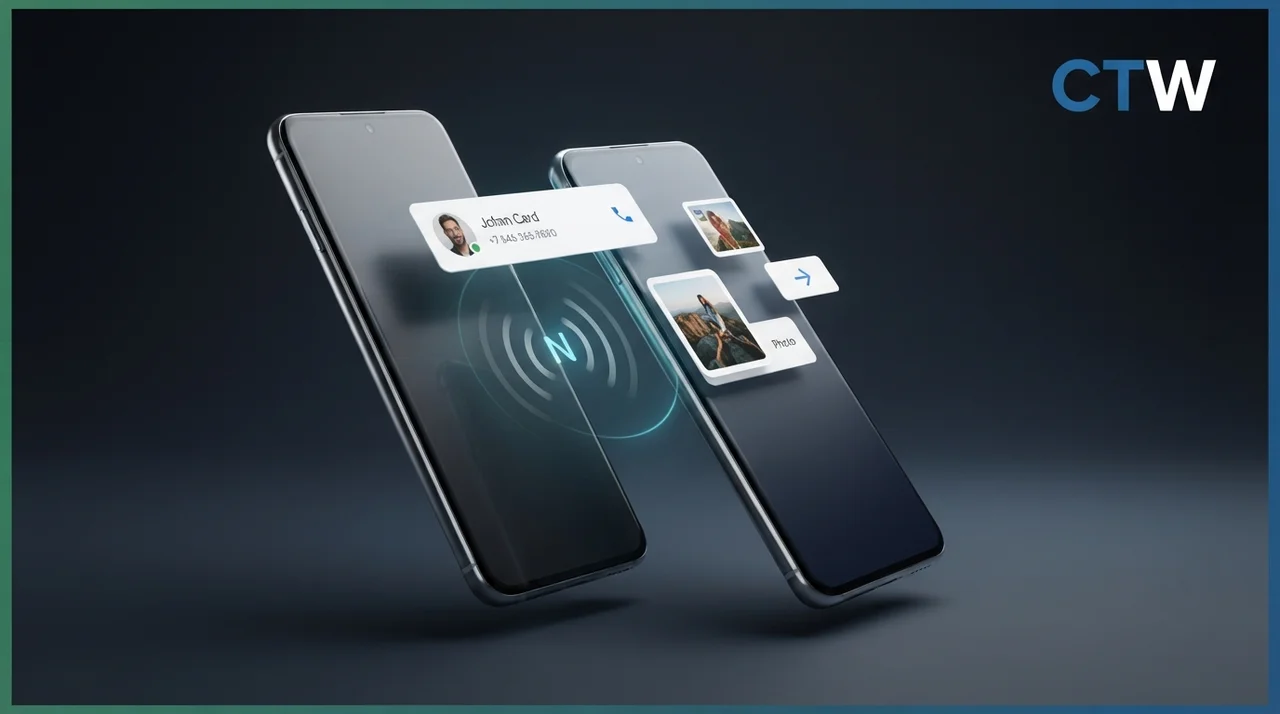
In a significant move to enhance user experience on Android devices, Google has launched its new Tap to Share feature, which allows users to share contact cards and files simply by tapping their phones together. This feature is currently available for Pixel 6 and newer models, providing an Android alternative to Apple's well-known AirDrop functionality. With the increasing demand for seamless connectivity and efficient file-sharing solutions, Tap to Share is poised to become a game-changer for Android users.
What is Tap to Share?
Tap to Share is a file-sharing feature that leverages NFC (Near Field Communication) technology to facilitate seamless transfers between compatible Android devices. Users can share contact information or media files with a physical tap, making the process faster and more intuitive. This innovation is part of Google's ongoing efforts to improve connectivity and user interaction on its devices. By utilizing NFC, Tap to Share enables quick and secure data transfers without the need for complicated setups or additional applications, thus simplifying the sharing process.
Launch Details and Compatibility
The feature is rolling out today for Pixel 6 and newer models, with the Pixel 11 series showcasing a redesigned NFC chip positioned at the top of the device for easier access. This strategic placement allows users to perform the tap gesture more effortlessly, enhancing the overall user experience. Google plans to extend Tap to Share compatibility to select Samsung Galaxy devices, including the Galaxy Z Fold 8 and Galaxy Z Flip 8, by the end of the year. This expansion indicates Google's commitment to fostering a broader ecosystem of devices that can utilize this innovative feature, ensuring that more users can benefit from the convenience of Tap to Share.
How to Use Tap to Share
Using Tap to Share is straightforward. For sharing contact information, users can simply bring their phones close to another compatible device while on the home screen. For sharing media files, the user needs to select the desired file in any app, tap the "Share" button, and then bring the two devices together. This functionality simplifies the sharing process, making it more user-friendly and efficient. The intuitive design means that even those who are not tech-savvy can easily engage with the feature, promoting a more inclusive user experience.
Implications for Android Users
The introduction of Tap to Share is a significant development for Android users, as it bridges the gap between different devices and enhances file-sharing capabilities. By mimicking the ease of use found in Apple's AirDrop, Google aims to provide its users with a more cohesive and convenient experience. This move is expected to appeal to a broad audience, particularly those who frequently share files and contact information. Furthermore, as users become more accustomed to the convenience of Tap to Share, it may lead to increased engagement with other Google services and applications, fostering a more integrated ecosystem.
Future Expansions and Developments
Google's commitment to expanding the Tap to Share feature suggests that it will continue to innovate in the realm of file sharing. As the feature rolls out to additional devices, it will likely encourage other manufacturers to adopt similar technologies, further enhancing interoperability across the Android ecosystem. Users can look forward to a more integrated and efficient way to share information across various platforms. Additionally, as more devices become compatible with Tap to Share, the potential for collaborative features, such as group sharing or multi-device interactions, could emerge, further enriching the user experience.
Conclusion
The launch of Tap to Share marks a notable advancement in Android's file-sharing capabilities. With its user-friendly design and the potential for widespread compatibility, this feature is set to redefine how users interact with their devices. As Google continues to enhance its software offerings, the Tap to Share feature represents a significant step toward a more connected and efficient mobile experience. Ultimately, as users embrace this new technology, it may pave the way for future innovations in mobile connectivity and data sharing, solidifying Google's position as a leader in the tech industry.
Key Highlights
- Google's Tap to Share feature allows file sharing by tapping phones together.
- Initially available on Pixel 6 and newer models, with a focus on ease of use.
- The Pixel 11 series features a repositioned NFC chip for improved functionality.
- Tap to Share will expand to select Samsung Galaxy devices by the end of the year.
- Users can share contact information or media files with a simple gesture.
- The feature enhances Android's file-sharing capabilities, similar to Apple's AirDrop.
- Google aims to improve connectivity and user interaction with this new feature.
Expert Analysis
Technical Analysis
The Tap to Share feature developed by Google utilizes Near Field Communication (NFC) technology to facilitate quick and intuitive file sharing between compatible Android devices. By allowing users to share contact cards and media files simply by tapping their devices together, Tap to Share addresses the need for seamless connectivity in an increasingly mobile world. This technology simplifies the sharing process, eliminating the need for complicated setups or additional applications, which can often hinder user experience.
What sets Tap to Share apart is its focus on user-friendliness and accessibility, particularly for those who may not be tech-savvy. The feature is designed to operate directly from the home screen, making it easy for users to engage with it without extensive instructions. However, while the feature is currently limited to Pixel 6 and newer models, Google plans to expand compatibility to select Samsung Galaxy devices, which could enhance its adoption but also presents a limitation in terms of immediate availability for all Android users.
Advantages
- Simplifies the file-sharing process by allowing users to share files with a simple tap.
- Eliminates the need for complicated setups or additional applications, making it user-friendly.
- Enhances connectivity and interaction between devices, promoting a more integrated user experience.
- Expands the ecosystem of compatible devices, increasing the potential user base.
Disadvantages
- Currently limited to Pixel 6 and newer models, which restricts immediate access for all Android users.
- No major disadvantages reported yet.
Real-World Use Cases
- Individuals can quickly share contact information with friends or colleagues by tapping their phones together.
- Businesses can use Tap to Share for efficient sharing of promotional materials or documents during meetings.
- Developers can integrate Tap to Share functionality into their applications to enhance user engagement.
- Educational institutions can facilitate easy sharing of resources among students and teachers.
Business Impact
The launch of Tap to Share represents a strategic move by Google to enhance its position in the competitive mobile ecosystem, particularly against Apple's AirDrop. By providing a similar functionality for Android users, Google is likely to increase user engagement with its devices and services. This could lead to new revenue opportunities as users become more integrated into the Google ecosystem, potentially boosting sales of compatible devices and services.
Moreover, as Tap to Share expands to other manufacturers like Samsung, it may encourage a broader adoption of NFC technology across the Android platform, fostering a more interconnected environment that could benefit all stakeholders in the industry.
User Impact
Ordinary users stand to benefit significantly from the introduction of Tap to Share, as it simplifies the process of sharing files and contact information. This feature is particularly advantageous for those who frequently exchange information, making it a valuable tool for both personal and professional interactions. However, users with older Android models may not experience these benefits immediately, which could create a divide in user experience within the Android community. Overall, for those eligible, adopting Tap to Share is likely to enhance their mobile experience.
Security & Privacy
Security and privacy analysis not applicable.
Future Outlook
Looking ahead, Google is expected to continue expanding the Tap to Share feature to a wider range of devices, which could further enhance its utility and user adoption. The potential for collaborative features, such as group sharing or multi-device interactions, suggests that Google is committed to innovating in the realm of mobile connectivity. As more devices become compatible, the landscape of file sharing on Android may evolve, leading to new opportunities for integration with other services and applications.
Expert Summary
The introduction of Google's Tap to Share feature is a significant advancement in Android's file-sharing capabilities, promising to enhance user experience through its intuitive design and potential for widespread compatibility. Stakeholders in the mobile technology space, including users, developers, and manufacturers, should pay attention to this development as it could redefine how information is shared across devices. Overall, Tap to Share represents a strategic move by Google to solidify its leadership in mobile technology and connectivity.
Originally reported by Android Authority.