Google Pixel 11 Pro HiLight: 5 Features That Could Make It More Useful
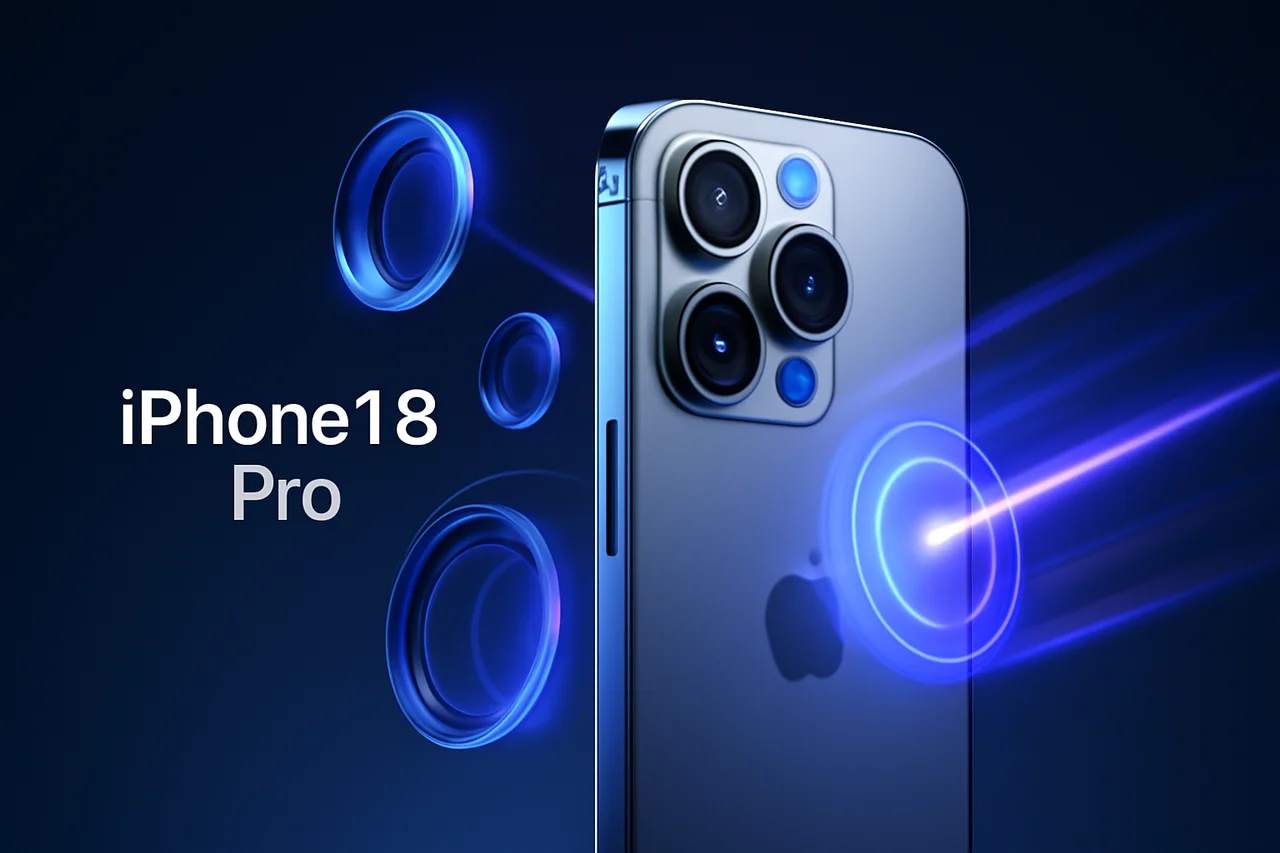
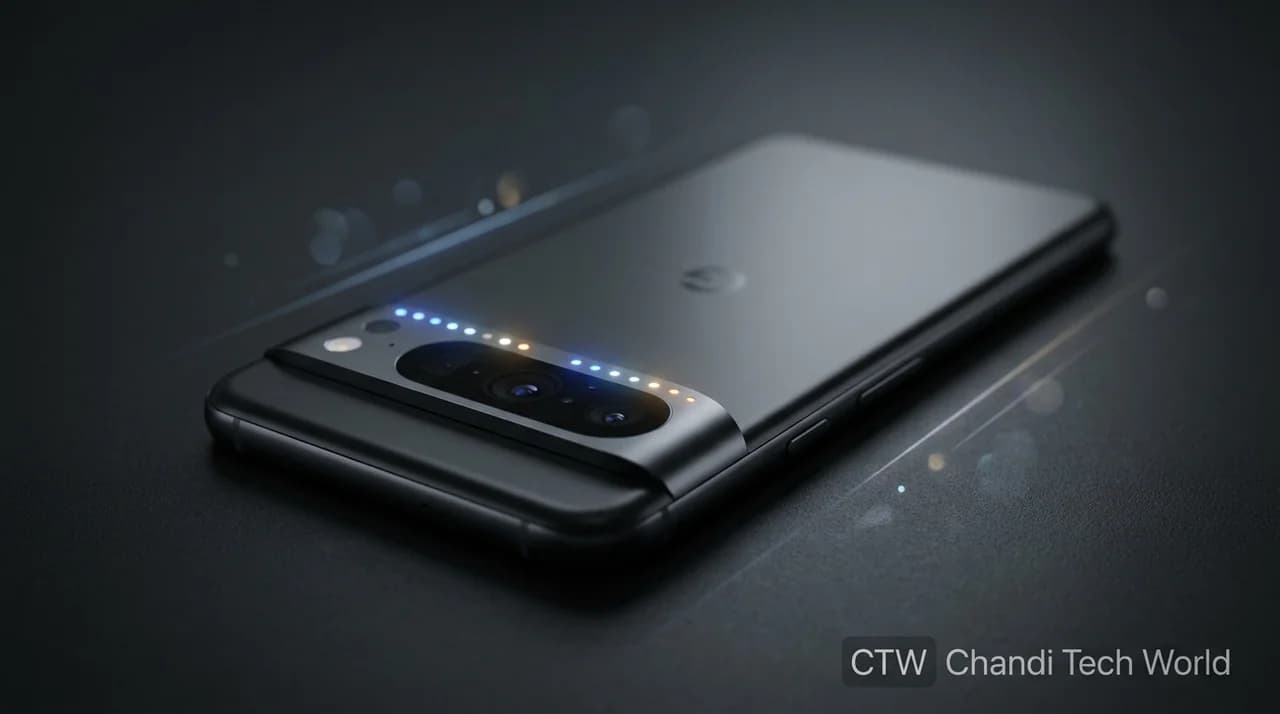
Google's HiLight feature brings a modern version of the classic notification LED to the Pixel 11 Pro series. Built into the camera visor, the small array of lights gives users visual cues when certain calls arrive or when Gemini is processing a request.
The idea is simple: users can place their phones face down and still receive selected visual notifications without repeatedly checking the screen. However, Google's initial implementation has room to grow, particularly in app support, customization, and everyday convenience.
In an August 29, 2026, opinion article, Android Authority's Shimul Sood outlined five ways Google could make HiLight more useful. The suggestions include app-specific notification colors, broader contact customization, device connection indicators, low-battery alerts, and a camera countdown.
These are proposed improvements, not five confirmed software defects. Some capabilities have also evolved since launch, making it important to distinguish Google's existing features from suggestions that remain a wishlist.
What Is HiLight on the Pixel 11 Pro?
HiLight is a light-based notification feature available on the Google Pixel 11 Pro, Pixel 11 Pro XL, and Pixel 11 Pro Fold. Its LEDs sit around the camera flash and provide visual feedback when the phone is face down.
Google introduced two principal uses at launch.
First, users can assign customizable colors to calls from favorite contacts. This feature works with Phone by Google and WhatsApp, allowing users to recognize selected callers without turning over their phones.
Second, HiLight can display visual cues during hands-free Gemini interactions. Different light patterns indicate when Gemini is listening, thinking, or responding.
Google's goal is to help people remain informed without constantly looking at their screens. You can read more about the feature in Google's official HiLight announcement.
The concept also reflects a broader shift toward AI-assisted interactions and more contextual smartphone features. For more background, explore CTW's coverage of how artificial intelligence is changing everyday technology.
1. App-Specific Notification Colors
One of the most useful potential additions would be support for notifications from individual apps.
Imagine assigning one color to WhatsApp, another to Instagram, and a third to work-related applications. A glance at the back of the phone could then provide a hint about which app needs attention.
This could be especially useful for people who keep their phones face down while working. Instead of unlocking the screen for every notification, users could decide whether an alert is worth checking immediately.
However, app-specific notification colors should not be confused with existing functionality. Google's documented launch features focused on calls from favorite contacts and Gemini activity. Broader app notifications have been a proposed expansion rather than a universal launch capability.
2. More Flexible Contact Customization
HiLight already supports customized colors for calls from favorite contacts. A possible improvement would be to expand contact-based personalization and make it easier to manage from the phone's settings.
For example, users might want different visual patterns for family members, close friends, and work contacts. This could help them identify important calls without picking up the device.
A well-designed implementation would also need to remain simple. If users must navigate multiple menus to configure a basic notification, the convenience of the feature becomes less obvious.
Google's existing contact-color functionality provides a foundation for further improvements, but additional options should not be assumed to exist until documented in an official release.
3. Indicators for Connected Devices
Another proposed use is to turn HiLight into a quick status indicator for other devices in Google's ecosystem.
A brief light pattern could potentially confirm that a compatible smartwatch or pair of earbuds has connected successfully. A separate indicator might confirm that wireless charging has started.
Such features could make everyday interactions more convenient, particularly for people who regularly use several connected devices.
For example, someone placing a phone on a wireless charger could receive a short visual confirmation rather than immediately turning the screen on to check the charging status.
These are suggested future uses, not confirmed HiLight capabilities. Any implementation would depend on Google's software support and the behavior of compatible accessories.
4. A More Noticeable Low-Battery Alert
HiLight could also potentially help users who frequently leave their phones face down and miss on-screen battery warnings.
A distinctive color or short blinking pattern could indicate that the battery has fallen below a user-defined threshold. This might make it easier to notice a low battery before leaving home or heading into a meeting.
For the feature to remain useful, users would need control over how frequently alerts appear and how bright they are. Otherwise, the light could become distracting, especially in dark rooms.
There is no basis for treating a dedicated low-battery HiLight alert as an existing standard feature. It remains a suggestion for expanding the system.
5. A Camera Countdown Indicator
A camera countdown is another practical idea that could give HiLight a purpose beyond notifications.
When taking a group photo, users often place their phones on a stand or another stable surface and activate the timer. A light pattern could potentially indicate that the shutter is approaching, helping everyone know when to smile.
For example, three flashes could signal the beginning of the countdown, followed by faster pulses immediately before the photo is captured.
This could be useful for group photos, hands-free photography, and situations where the phone's screen is difficult to see from a distance.
However, this functionality is a proposed use case, not a confirmed camera feature. Google's documentation should be checked before describing it as available to Pixel 11 Pro owners.
HiLight vs. Nothing's Glyph Interface
HiLight also enters a market where other smartphone manufacturers have experimented with rear-facing lights.
Nothing's Glyph Interface uses lights on the back of compatible phones for visual notifications and other device interactions. Google's approach is more focused on selected notifications and Gemini activity at launch.
The difference is not necessarily that one system is universally better. Their usefulness depends on how people use their phones, how much customization they want, and whether visual indicators provide meaningful information without becoming distracting.
For Google, expanding HiLight carefully could help the feature become more useful while preserving the understated design that distinguishes it.
Has Google Expanded HiLight Since Launch?
Yes, there has been movement beyond the initial launch feature set.
Google's official documentation describes HiLight for calls from favorite contacts and Gemini activity. Separately, 9to5Google reported on September 29, 2026, that Android 17 QPR2 Beta 6.1 added message notifications from favorite contacts for Pixel 11 series devices enrolled in that beta.
That distinction matters. A feature appearing in a beta does not automatically mean it is available to every user on the stable software release.
Readers can follow CTW's coverage of Android 17 QPR2 testing and Pixel updates for related software developments.
The beta update also illustrates why HiLight's capabilities should be described with their software context. Some limitations identified in early commentary may change as Google releases additional updates.
What About HiLight Studio?
Android Authority's original article also points to HiLight Studio, an open-source third-party project intended to expand what users can do with the phone's light hardware.
Third-party tools can sometimes provide functionality that manufacturers have not yet built into their own software. However, users should review the project's current compatibility, installation requirements, permissions, and security before installing an app from outside the Play Store.
Sideloading software can introduce risks, particularly when an application requests broad access or requires changes to device settings. Users should obtain software from a trusted source and understand the installation process before proceeding.
Third-party support also does not mean Google officially endorses the application or guarantees that it will continue working after future system updates.
Why HiLight's Future Matters
HiLight illustrates a broader challenge in smartphone design: adding hardware is only part of building a useful feature.
The light itself provides a new way to communicate information, but its value depends on the software controlling it. Useful customization, consistent behavior, sensible defaults, and support for common activities will determine whether users incorporate it into their routines.
The same principle applies to many AI-powered smartphone features. For more context, see CTW's article on the ways AI could transform everyday life.
Google has already established a foundation with favorite-contact calls and Gemini activity. Expanding that foundation without creating unnecessary distractions could make HiLight a more valuable part of the Pixel experience.
Conclusion
Google's HiLight feature gives the Pixel 11 Pro series a modern interpretation of the traditional notification LED. Its support for selected calls and Gemini activity offers a useful way to receive visual feedback while the phone is face down.
Still, the feature has room to develop. App-specific alerts, more flexible customization, connected-device indicators, low-battery signals, and camera countdowns are examples of how it could become more versatile.
Not all of these ideas are confirmed features, and availability can differ between stable software and beta releases. For now, the most accurate assessment is that HiLight has a useful foundation, while its long-term value will depend on how Google expands and refines the experience.
Original source: Android Authority — The Pixel 11 Pro's HiLight feature looks cool, but it's missing 5 big features
Official reference: Google — Get updates while your Pixel 11 Pro is face down with HiLight
Chandi Tech World (CTW) covers AI, smartphones, gadgets, software, and consumer technology to help readers understand the features shaping their digital lives.
Originally reported by Android Authority.